
Real Inpainting Examples & Demos
Drag the interactive comparison sliders below to inspect real inpainting results generated with ObjectRemover.in. No blur, no watermarks, pixel-perfect texture restoration.
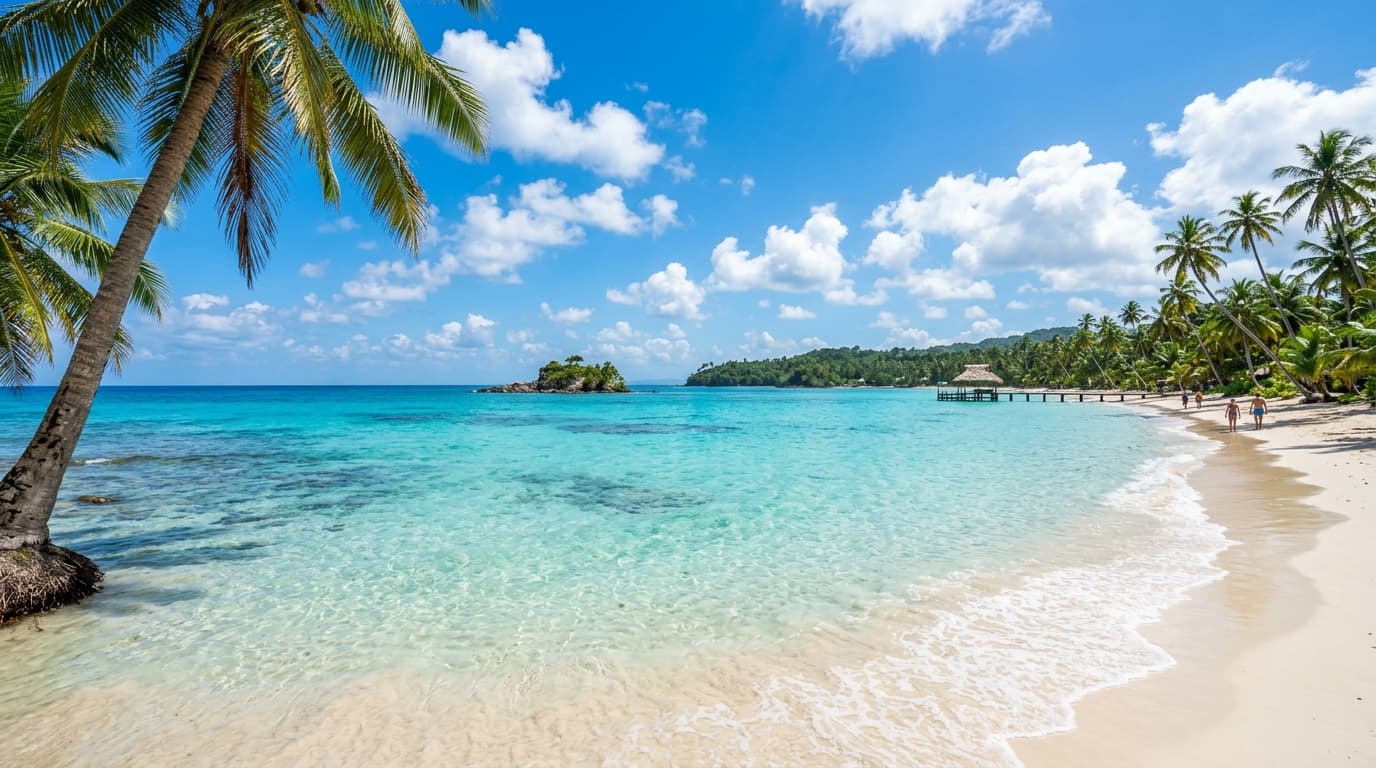 After
After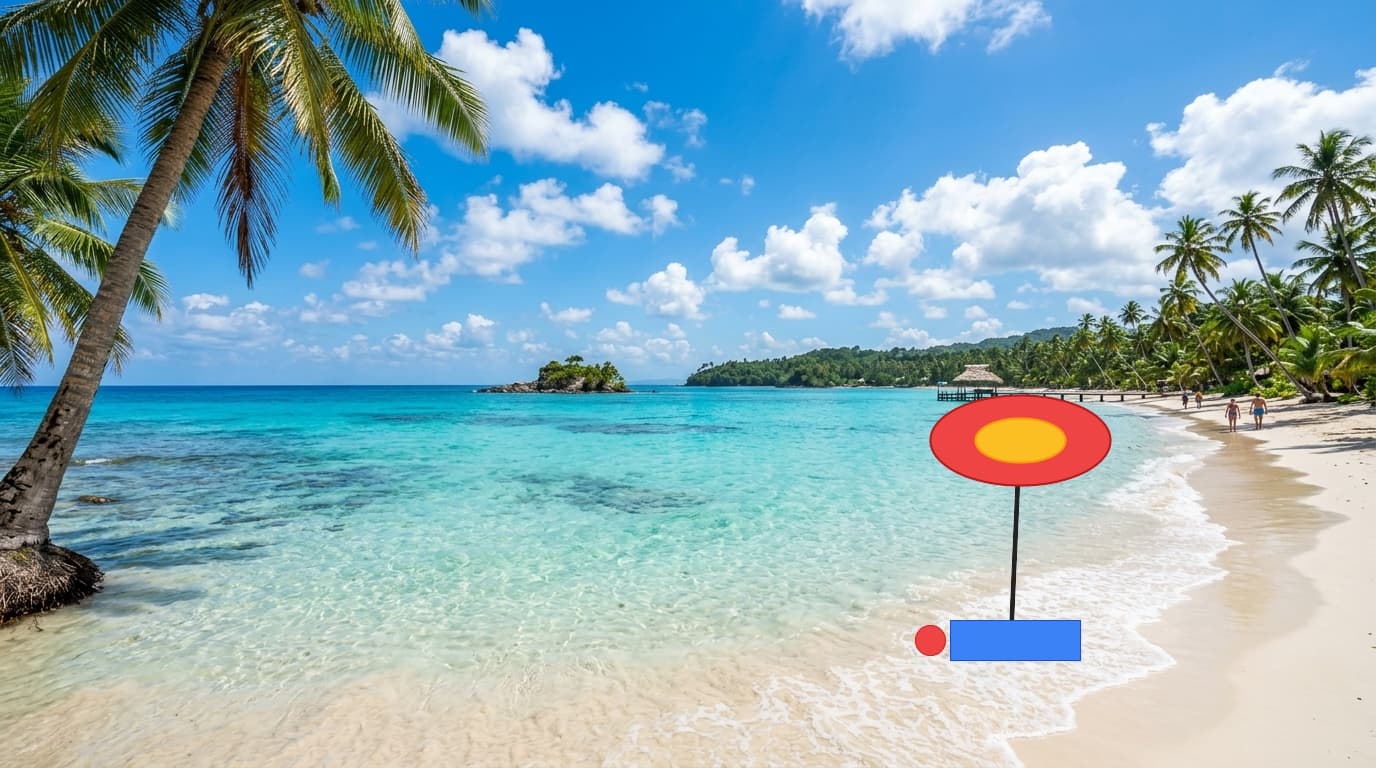
Tropical Beach Scenery
PeopleRemove tourists, umbrellas, and beach clutter in seconds!
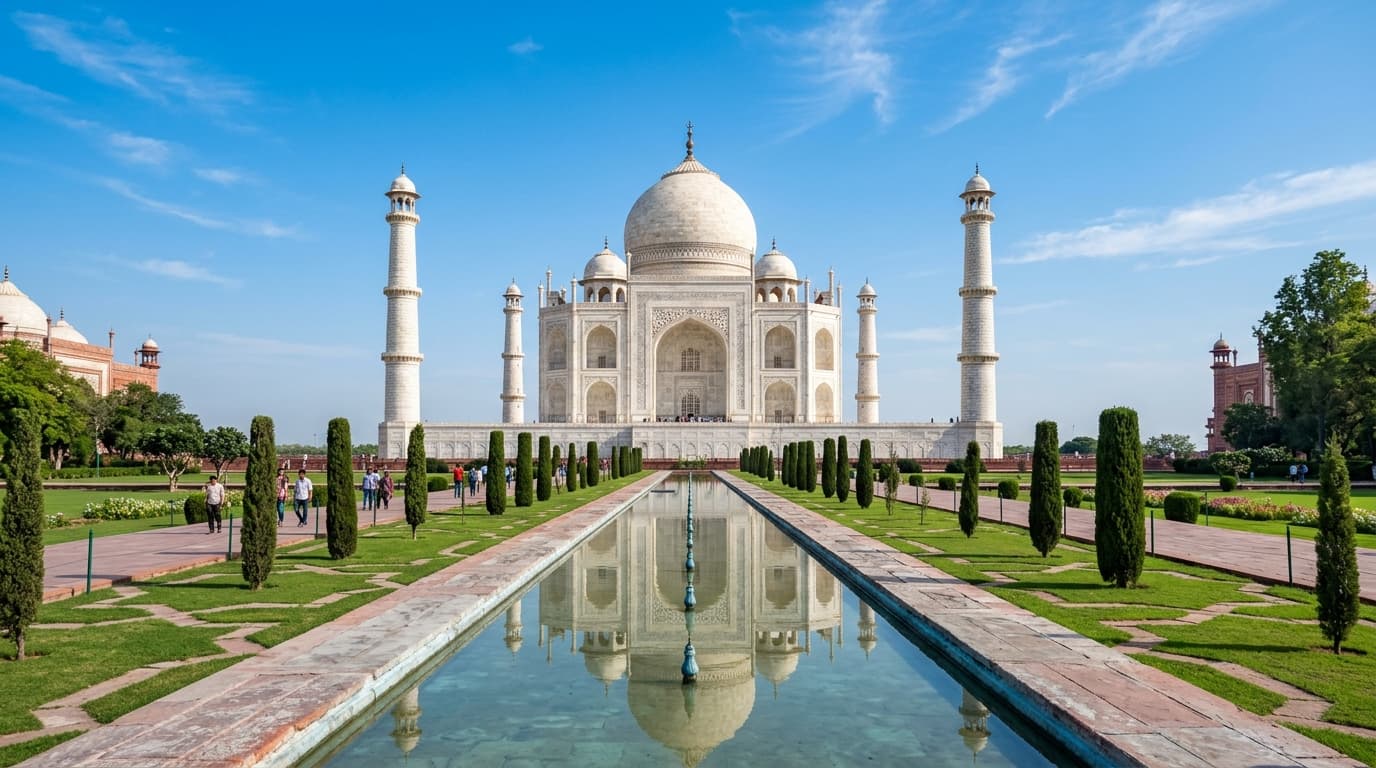 After
After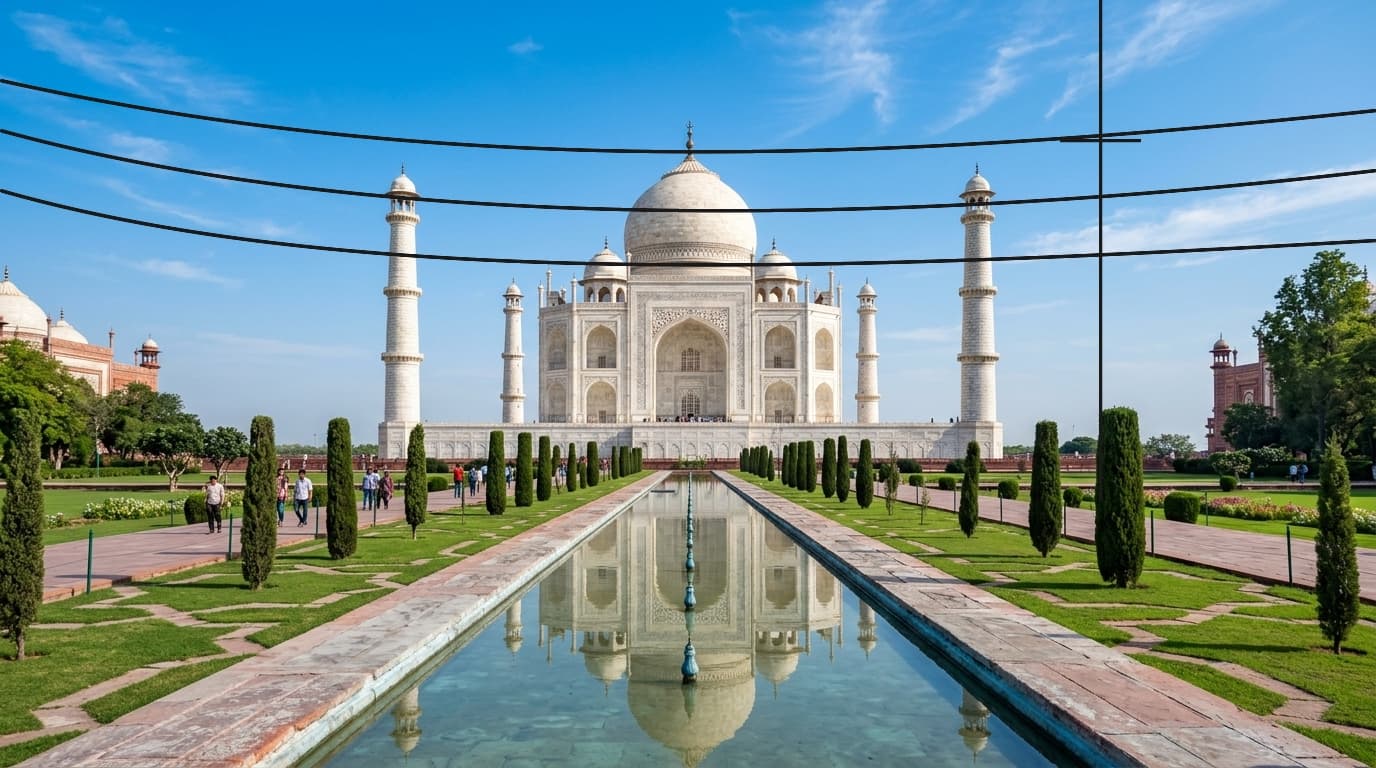
Historic Palace Landmark
PeopleErase crowded tourists and photobombers from monument architecture
 After
After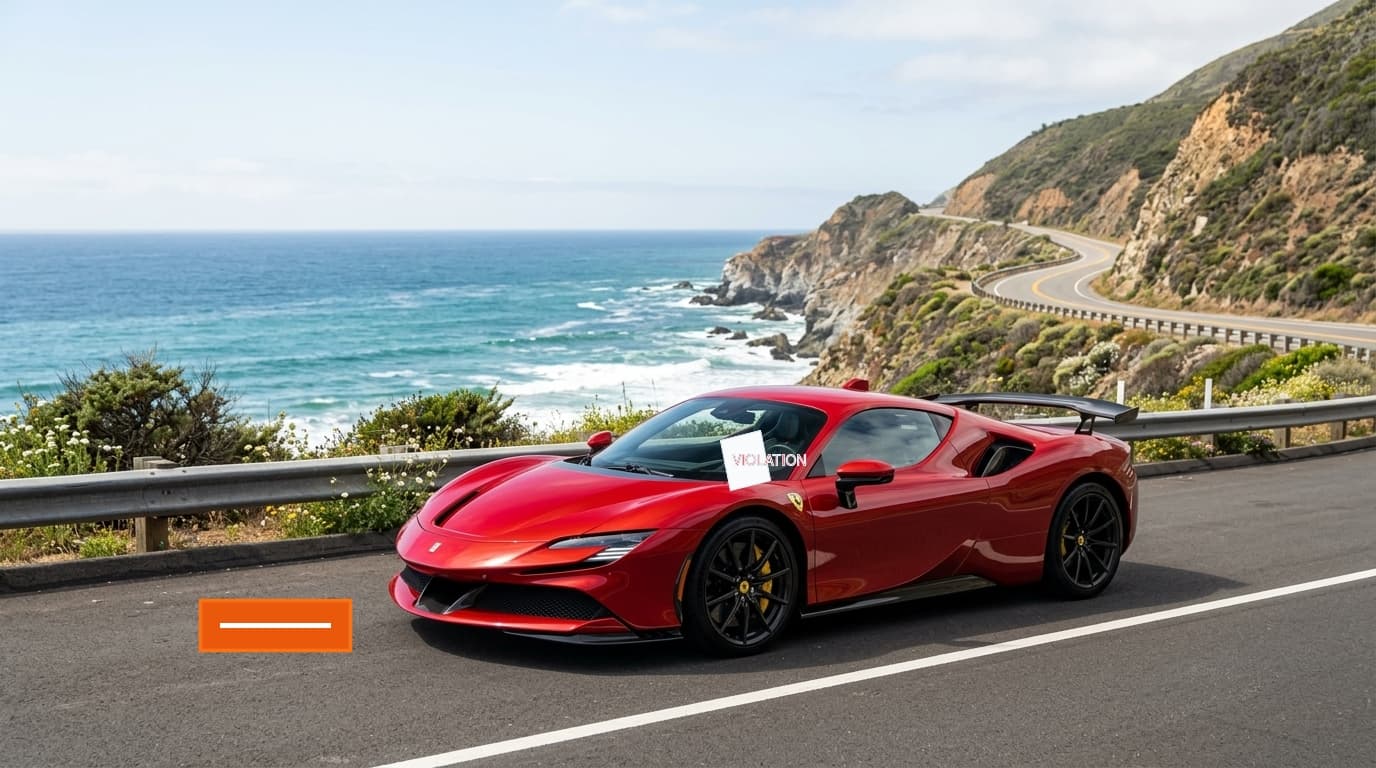
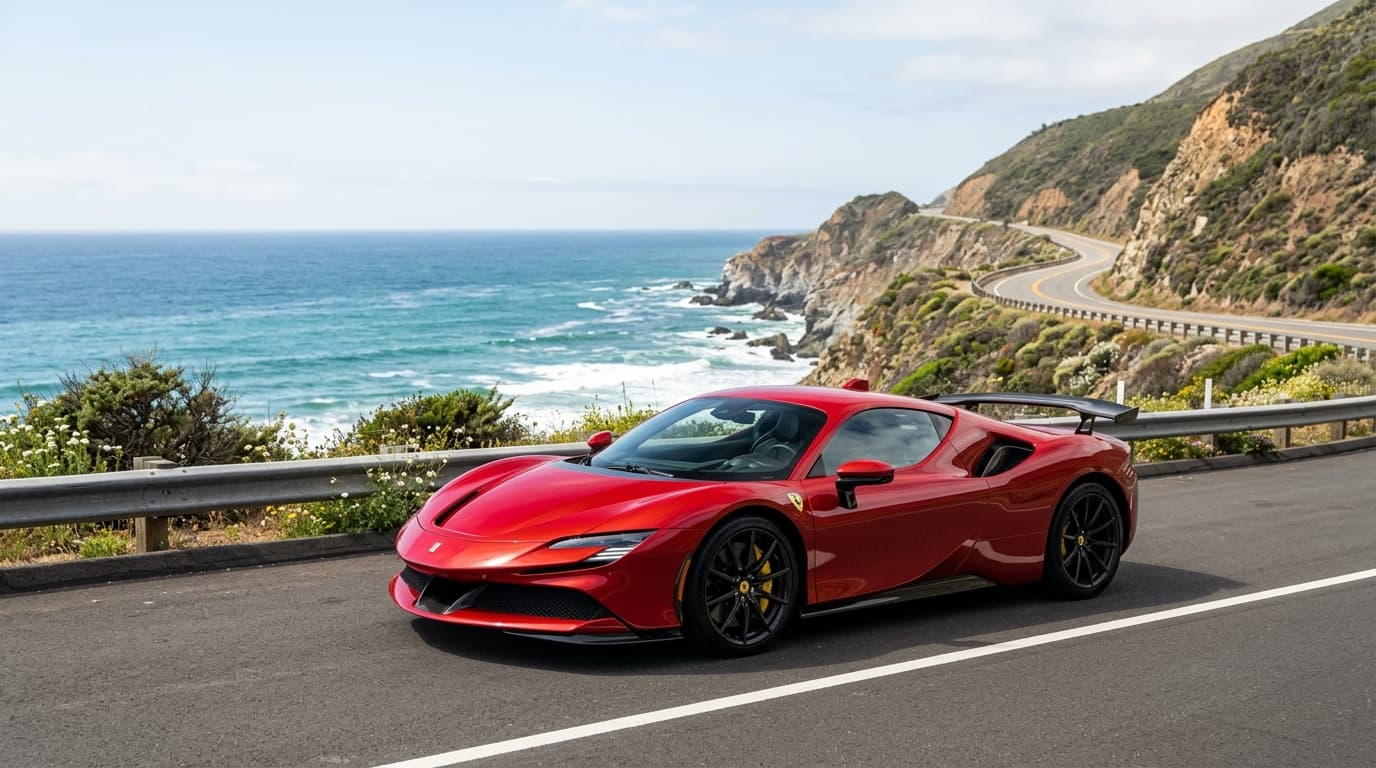
Sports Car & Parking Notice
CarsClear windshield parking tickets, road cones, and vehicle obstructions
 After
After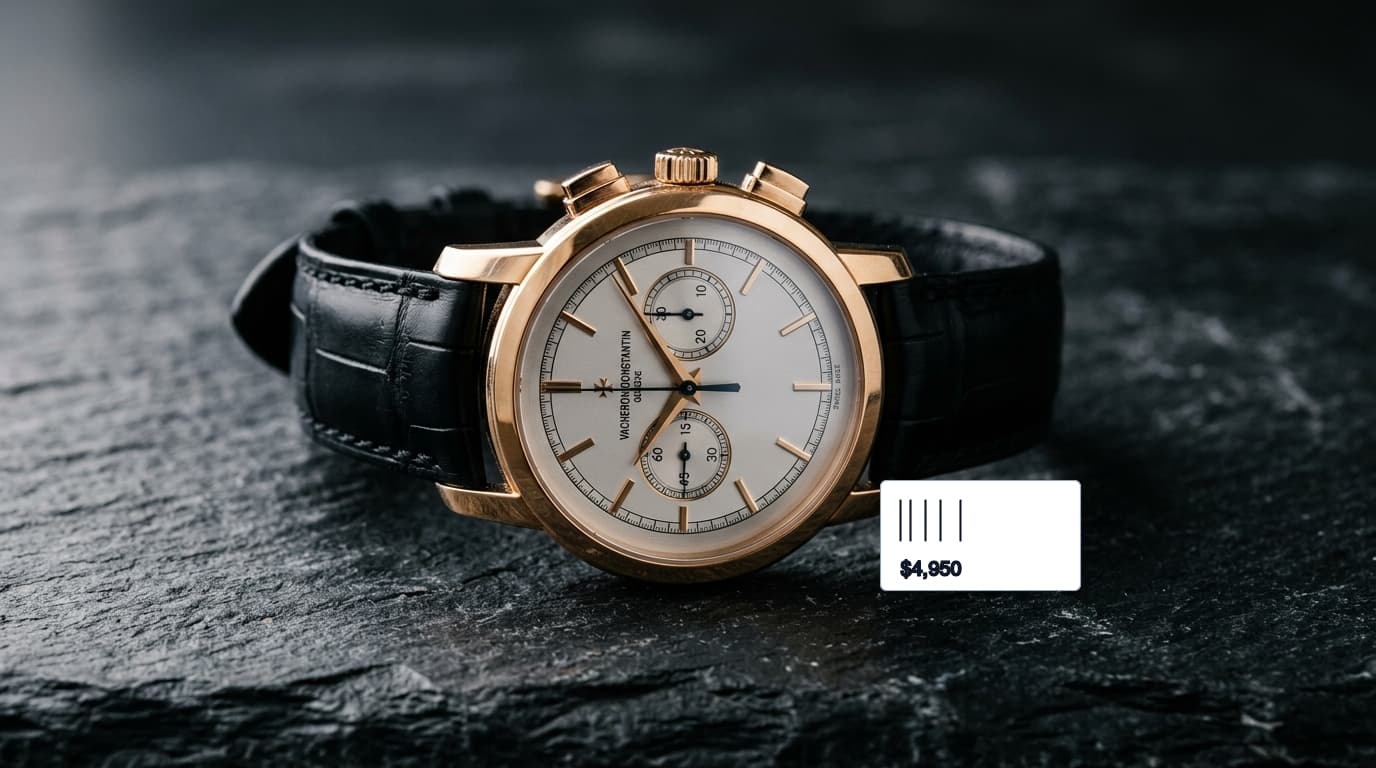
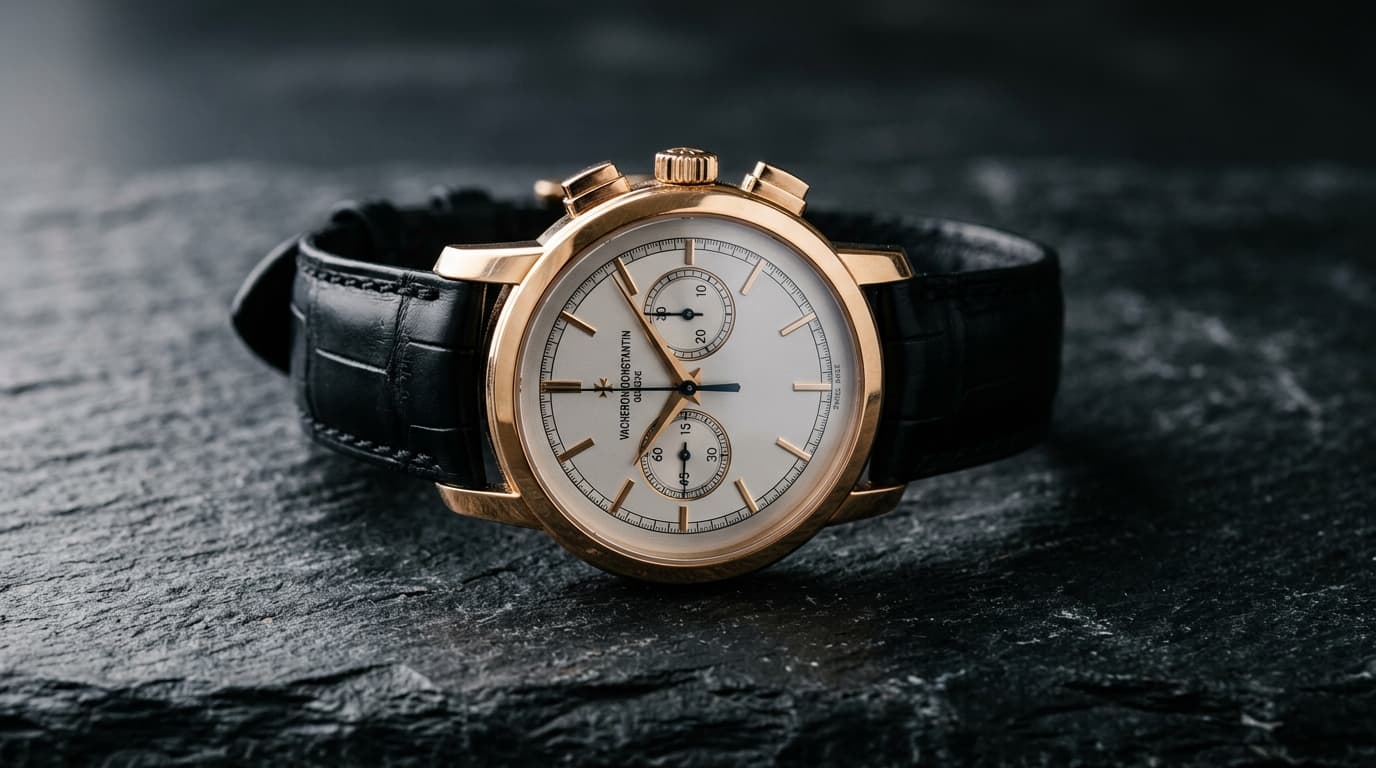
Luxury Chronograph Studio
TextRemove price stickers, barcodes, and studio reflections seamlessly
 After
After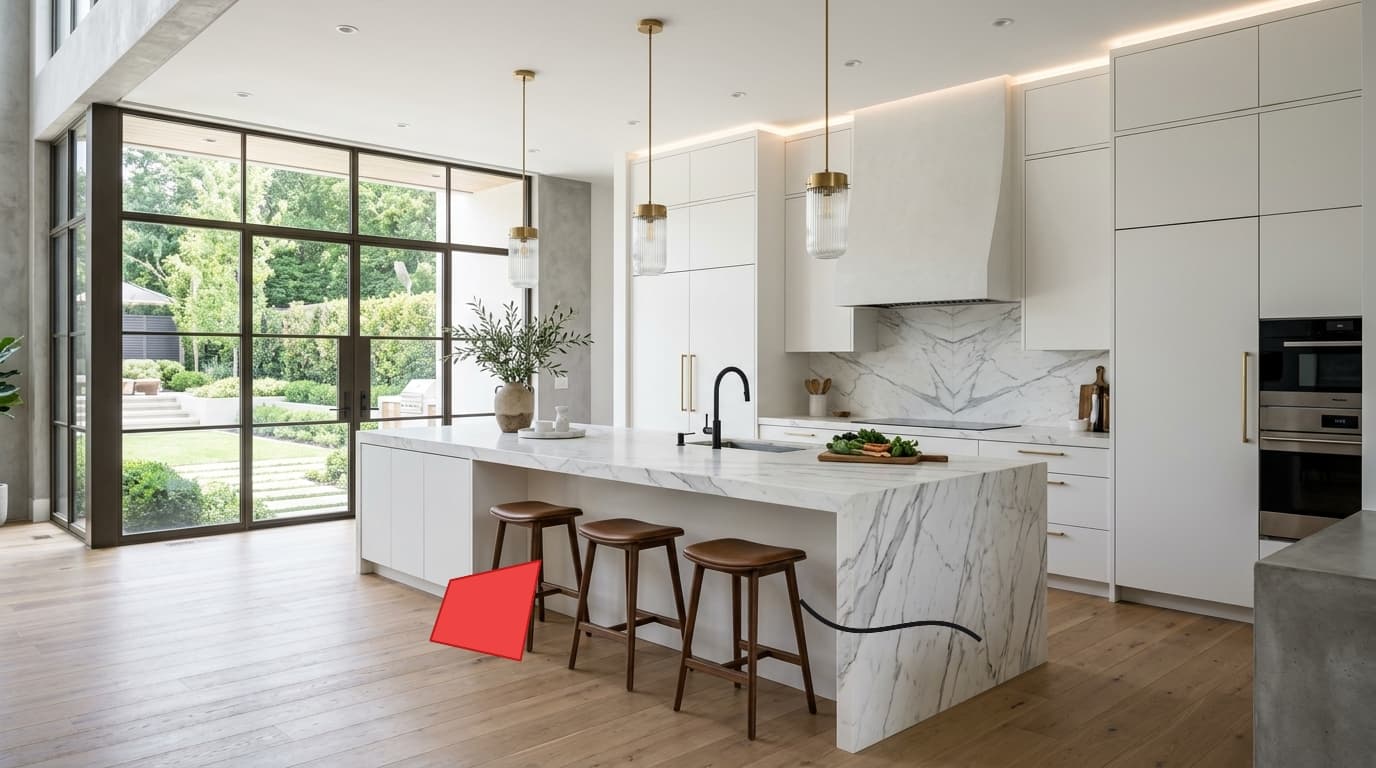
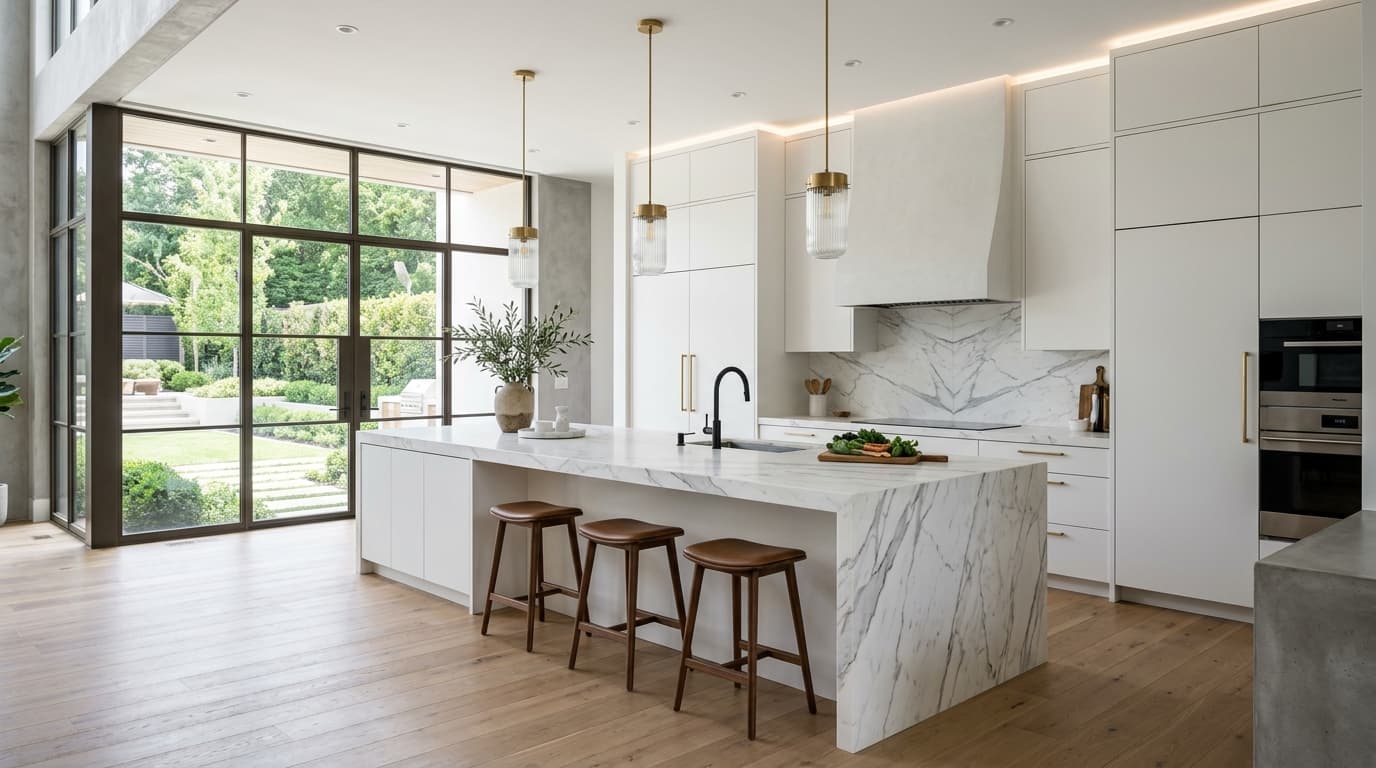
Modern Kitchen Staging
ClutterErase messy dish rags, appliance cables, and countertop clutter
 After
After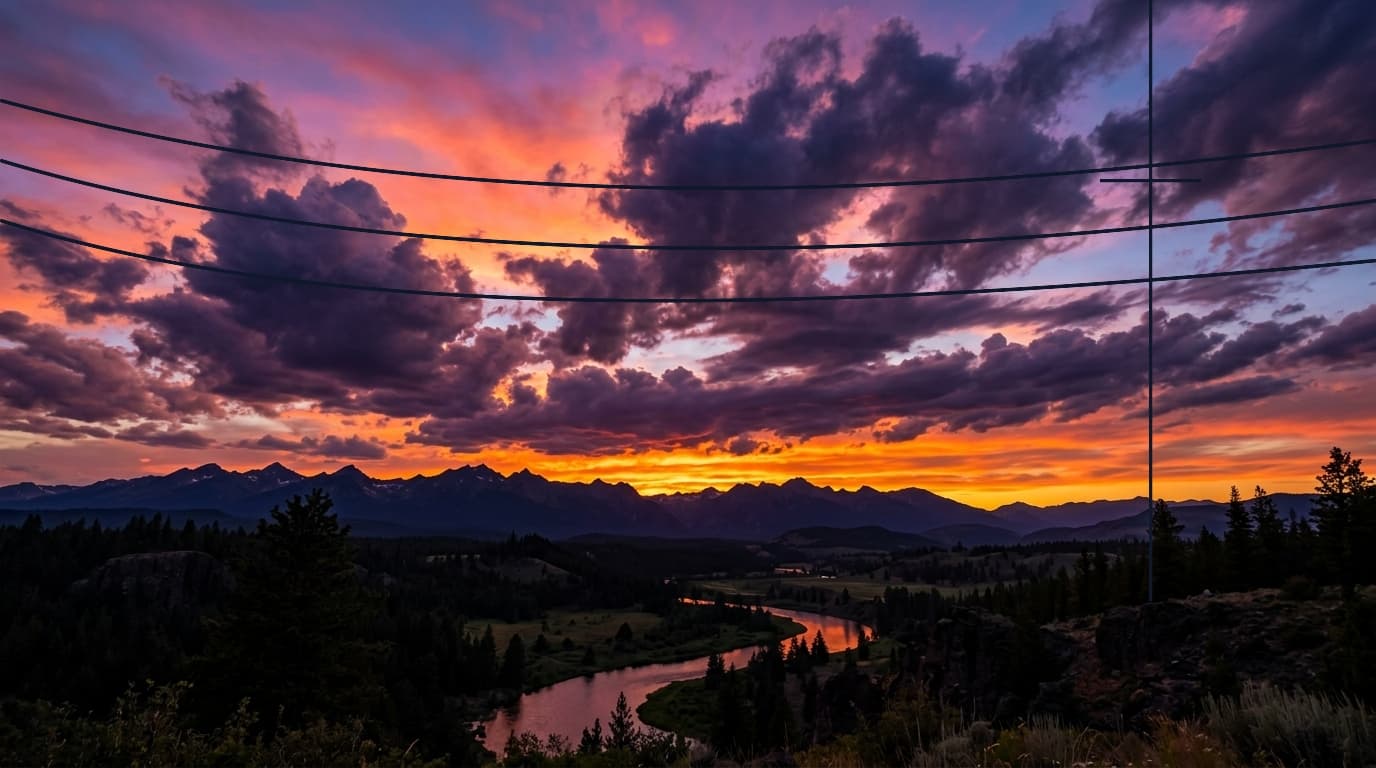
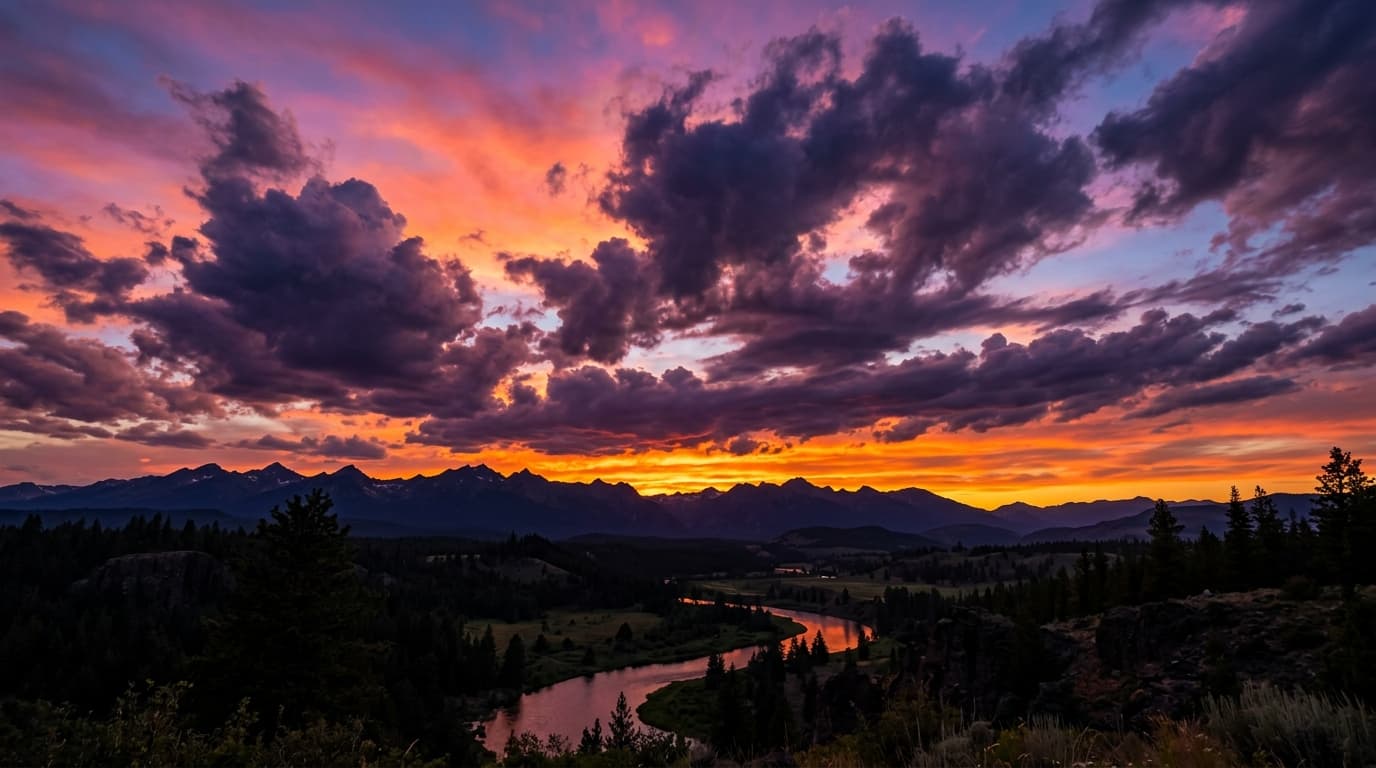
Sunset Sky & Utility Wires
WiresRemove overhead power cables and utility lines without smudging gradients
 After
After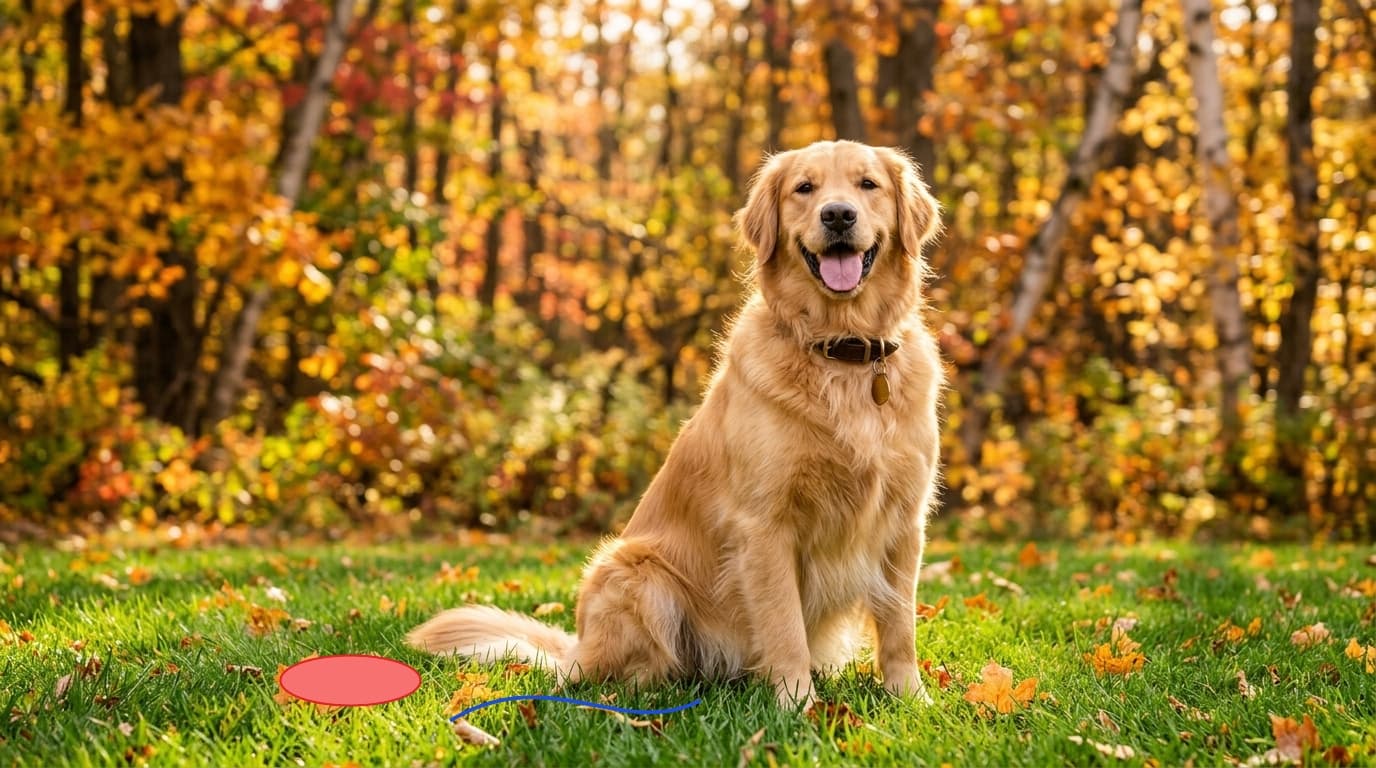
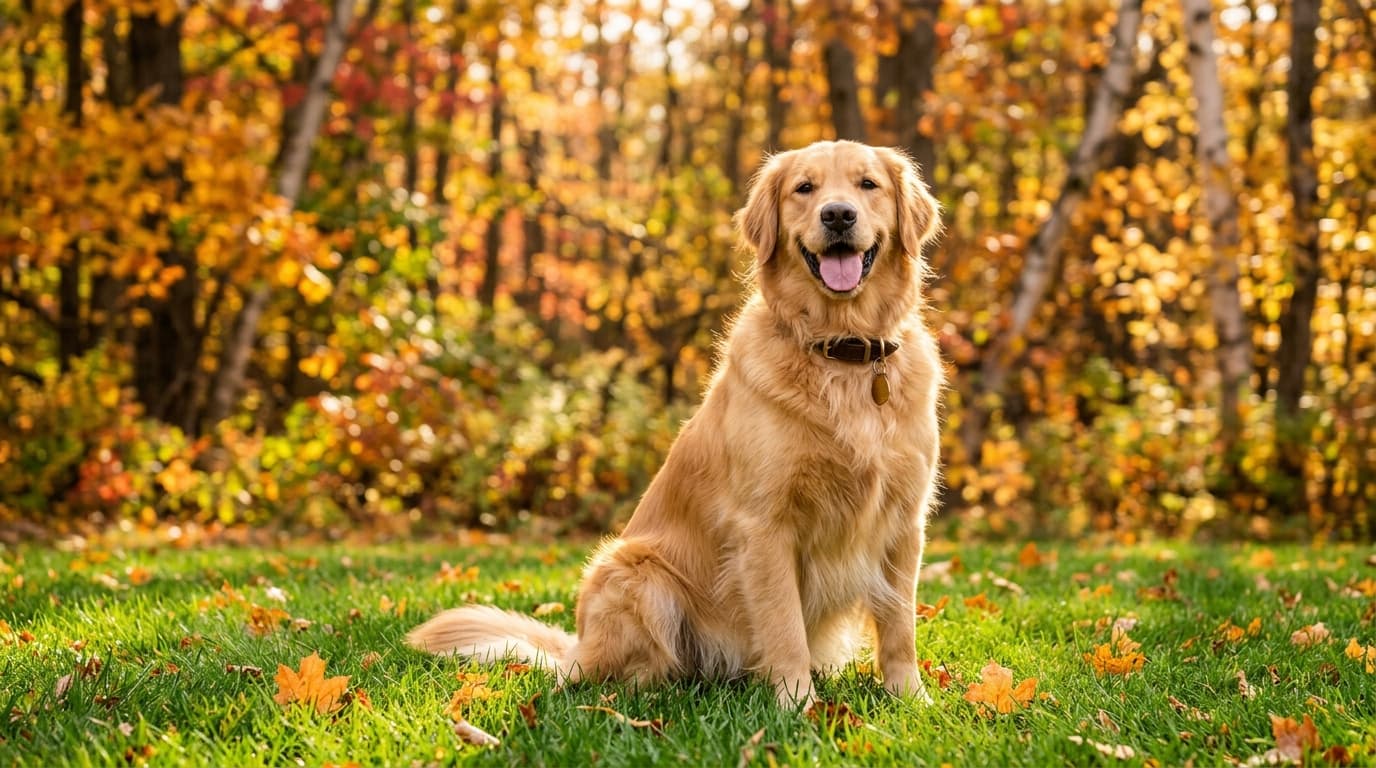
Autumn Pet Lawn Portrait
MemoriesClean up accidental dog leashes and bright plastic lawn toys
 After
After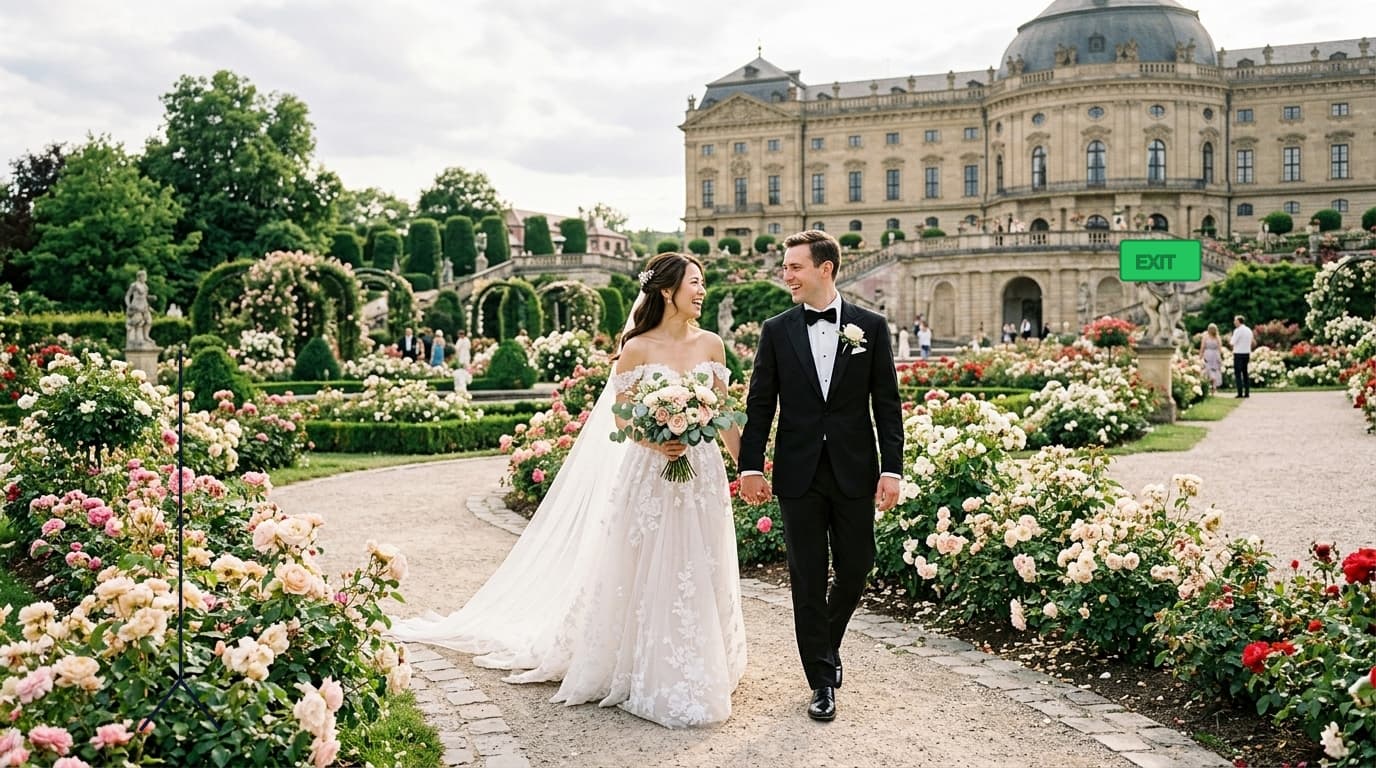
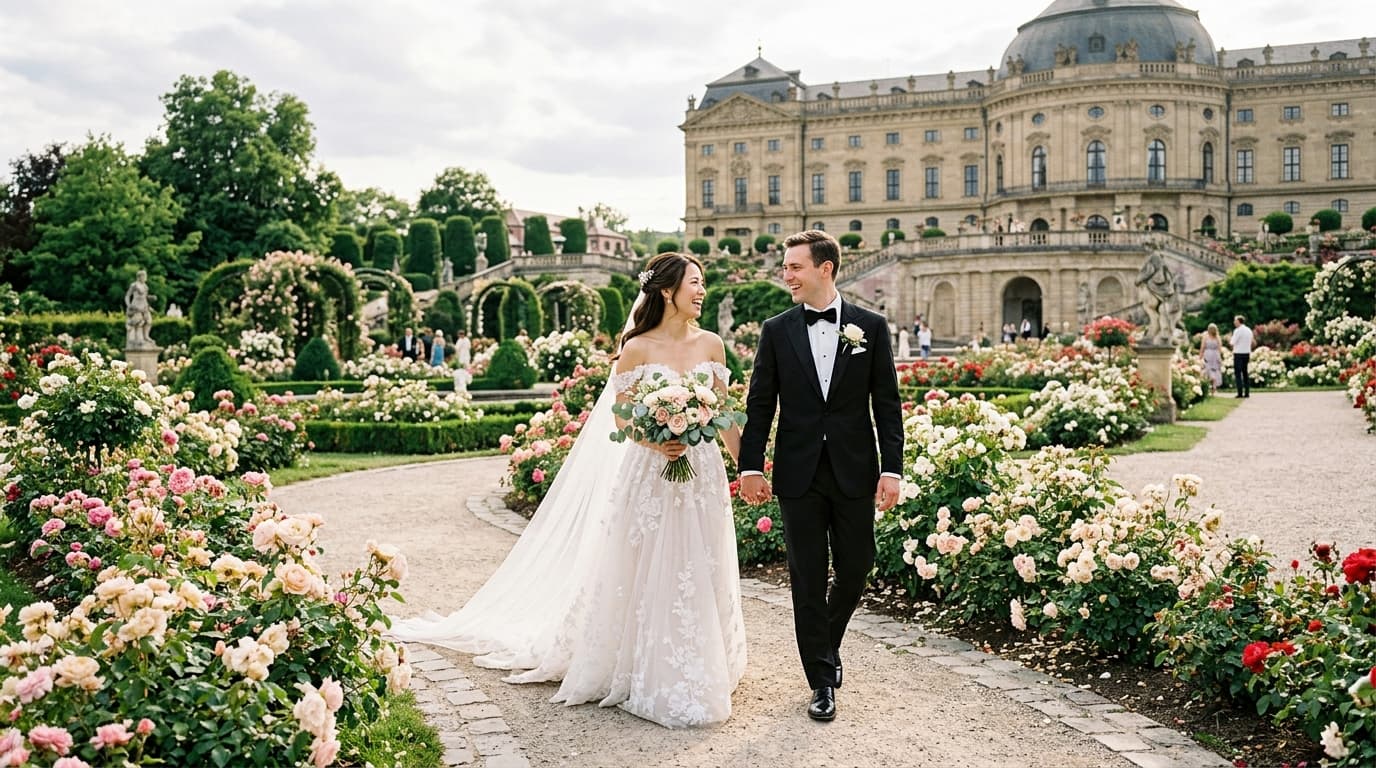
Romantic Garden Wedding
MemoriesRemove venue microphone stands and background photobombers
 After
After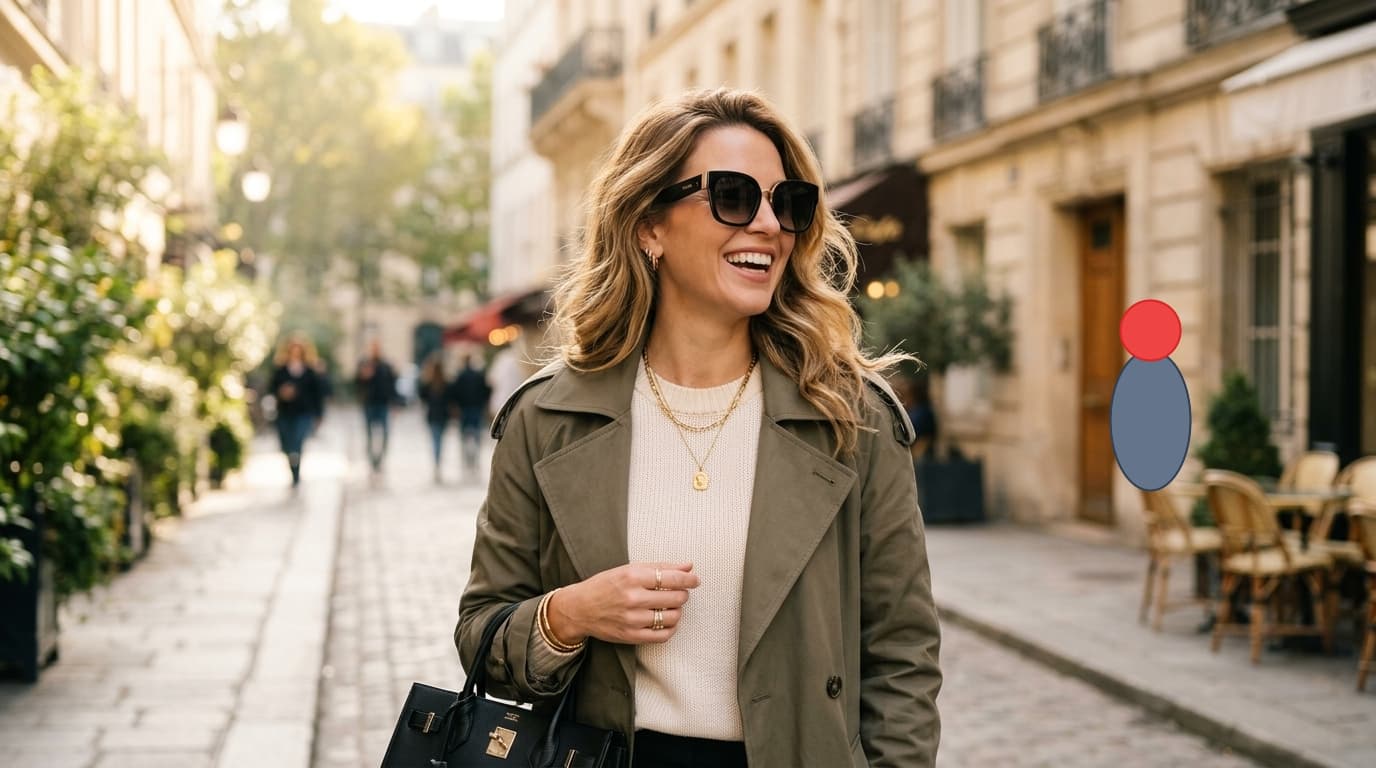
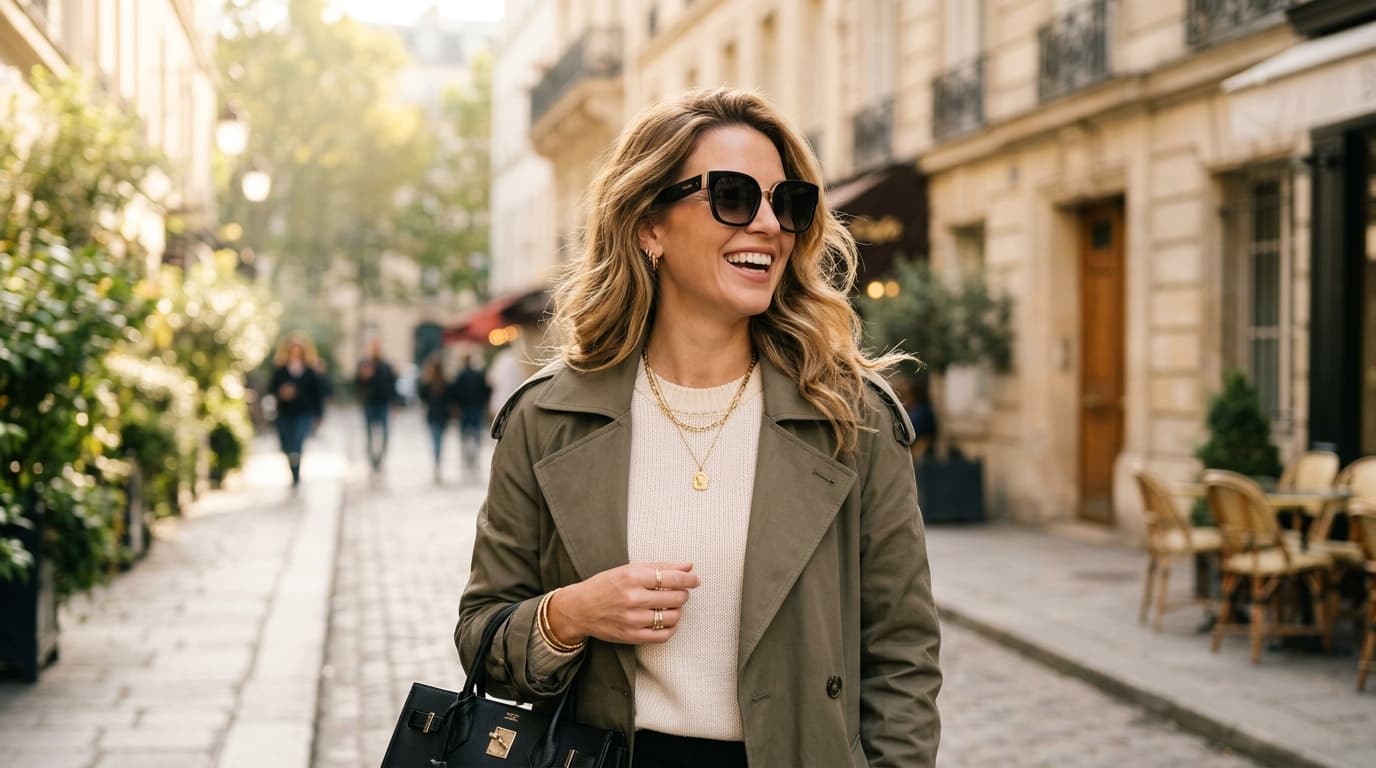
Urban Fashion Portrait
PeopleErase background pedestrians walking behind street fashion portraits
 After
After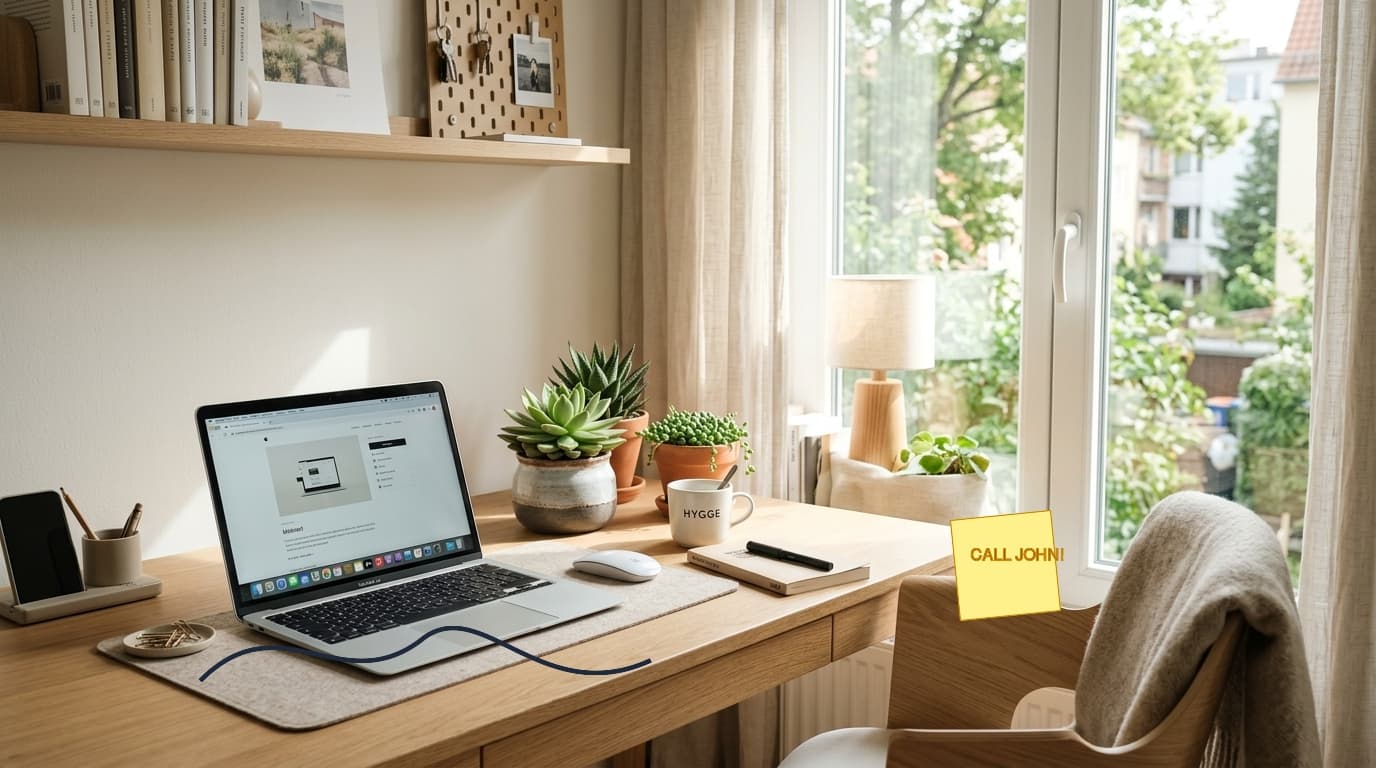
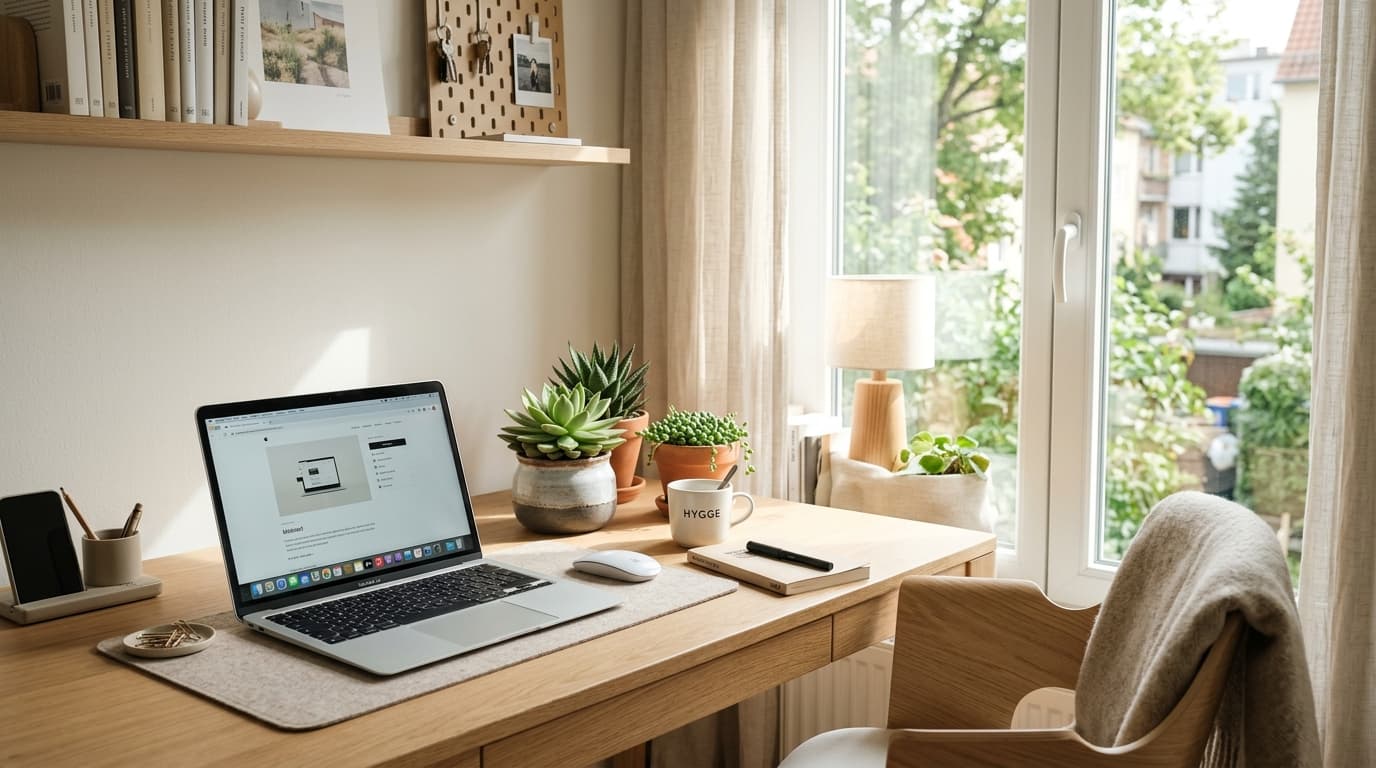
Minimalist Office Workspace
ClutterRemove tangled laptop chargers, sticky notes, and paper clutter
How to Evaluate AI Inpainting Quality Like a Pro
When inspecting an image edited with AI object removal, novice viewers simply ask: "Is the object gone?" Professional photographers and digital retouchers inspect four critical pixel-level dimensions to ensure the edit is truly imperceptible:
Structural Edge Continuity
Notice the horizontal horizon lines, sidewalk curb angles, and building brick rows in our examples above. High-quality neural models (powered by Fast Fourier Convolutions) mathematically align linear geometry straight through the erased area without bending, warping, or step-offset artifacts.
Texture Coherence & Micro-Grain
Primitive cloning tools produce noticeable smudges because they average out pixel colors. Modern generative inpainting models synthesize authentic texture frequencies: organic cobblestone bumps, asphalt grit, grass blades, and ocean ripple highlights matching the original camera sensor ISO noise.
Lighting & Directional Vignetting
Natural scenes have subtle lighting gradients—warm sunlight on one side and cool ambient skylight on the other. A professional inpainting engine calculates the global vector of scene illumination so the newly synthesized background patch does not appear too bright, too dark, or discolored.
Artifact & Ghost Silhouette Suppression
Substandard apps frequently leave behind a faint "ghost outline" of the erased subject or a lingering ground shadow. In all our presets, notice that ground contact shadows, ambient occlusion zones, and reflections are cleanly eradicated alongside the target item.
Inpainting Benchmark: ObjectRemover vs. Alternatives
How our neural inpainting engine compares to traditional manual cloning and subscription-based mobile apps:
| Benchmark Factor | ObjectRemover.in | Photoshop Clone Stamp | Paid Mobile Apps |
|---|---|---|---|
| Execution Speed | Under 2 seconds | 10 – 30 minutes | 5 – 10 seconds |
| Edge Quality | Crisp & Coherent | Often blurry / repetitive | Smudged / low-res |
| Max Resolution | Native 4K / Original | Native Original | Downscaled to 720p |
| Price & Watermarks | 100% Free, No Watermark | $239.88/year | $9.99/week + Watermarks |
| Privacy & Security | On-Device Browser RAM | Local Desktop | Uploaded to Cloud Servers |
हमारे इनपेंटिंग रिजल्ट्स की गुणवत्ता कैसे जांचें?
ऊपर दिए गए Before/After स्लाइडर को ड्रैग करके आप देख सकते हैं कि ObjectRemover.in कैसे काम करता है:
कोई धुंधलापन नहीं (Zero Blur)
पुराने टूल्स फोटो पर धुंधलापन छोड़ देते थे। हमारा एआई बैकग्राउंड के असली टेक्सचर (जैसे लकड़ी, पत्थर या घास) को दोबारा जीवंत कर देता है।
परछाई पूरी तरह साफ
सिर्फ इंसान या गाड़ी ही नहीं, बल्कि जमीन पर पड़ी उनकी काली परछाई भी पूरी तरह गायब हो जाती है जिससे फोटो 100% असली लगती है।
ओरिजिनल HD क्वालिटी
आपकी फोटो की क्वालिटी या रेजोल्यूशन में कोई गिरावट नहीं आती। फोटो बिना किसी वॉटरमार्क के पूरी स्पष्टता के साथ डाउनलोड होती है।
Frequently Asked Questions
Are these examples real or simulated?
Every example in our gallery was processed directly using our inpainting model. You can click "Open in AI Studio Editor" on any card to test the exact image inside the editor yourself!
Can I achieve identical results on my own photos?
Yes! As long as you follow our basic pro tips (erasing the ground shadow, maintaining a 5-pixel margin outside object edges, and using small brush passes), your results will be just as flawless.
Does the tool work on mobile phones?
Yes, our canvas features full touch support on iPhone Safari and Android Chrome, making it effortless to paint over objects with your fingertips.
क्या मैं अपनी खुद की फोटो पर इसे मुफ़्त आज़मा सकता हूँ?
हाँ! आप अपनी किसी भी फोटो को तुरंत अपलोड करके मुफ़्त में एडिट कर सकते हैं। कोई रजिस्ट्रेशन या शुल्क नहीं है।
Have a photo you want to clean?
Upload any image and experience fast, free, watermark-free AI object removal in seconds.