
How to Clean Up Product Photos for Amazon, Flipkart & Shopify E-Commerce
ई-कॉमर्स प्रोडक्ट फोटो से अनचाही चीजें, धूल और दाग कैसे हटाएं
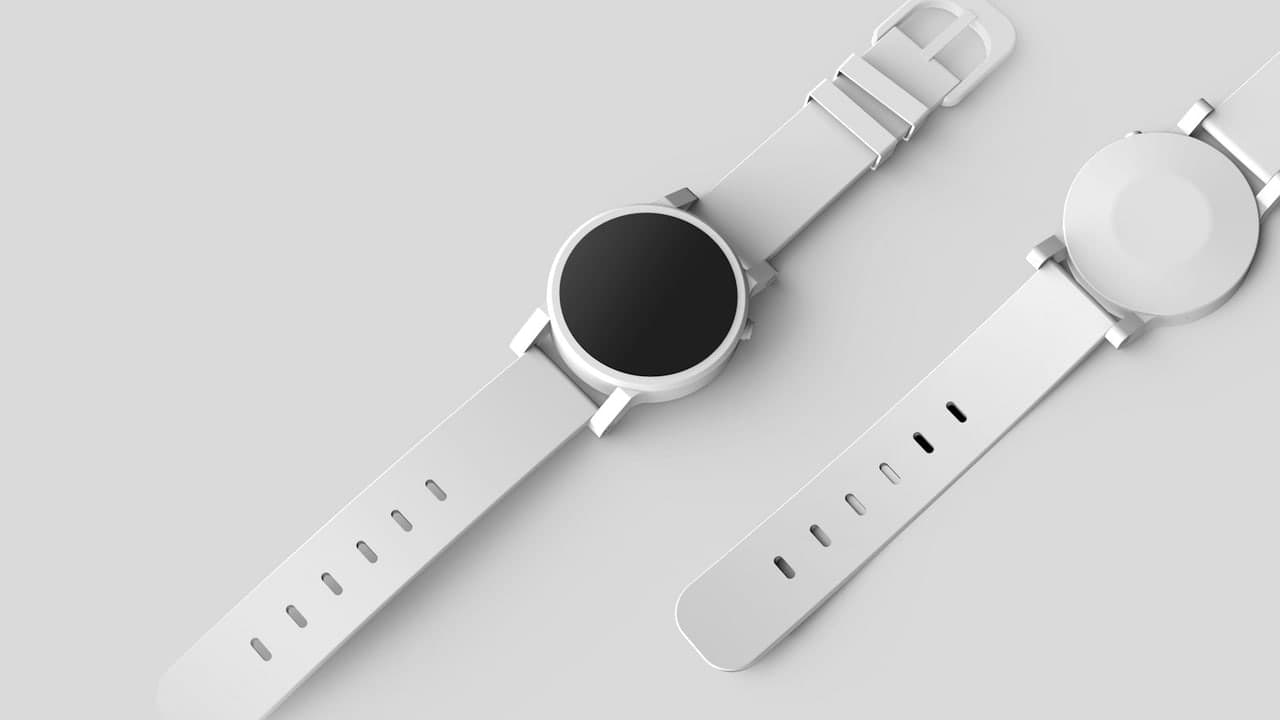

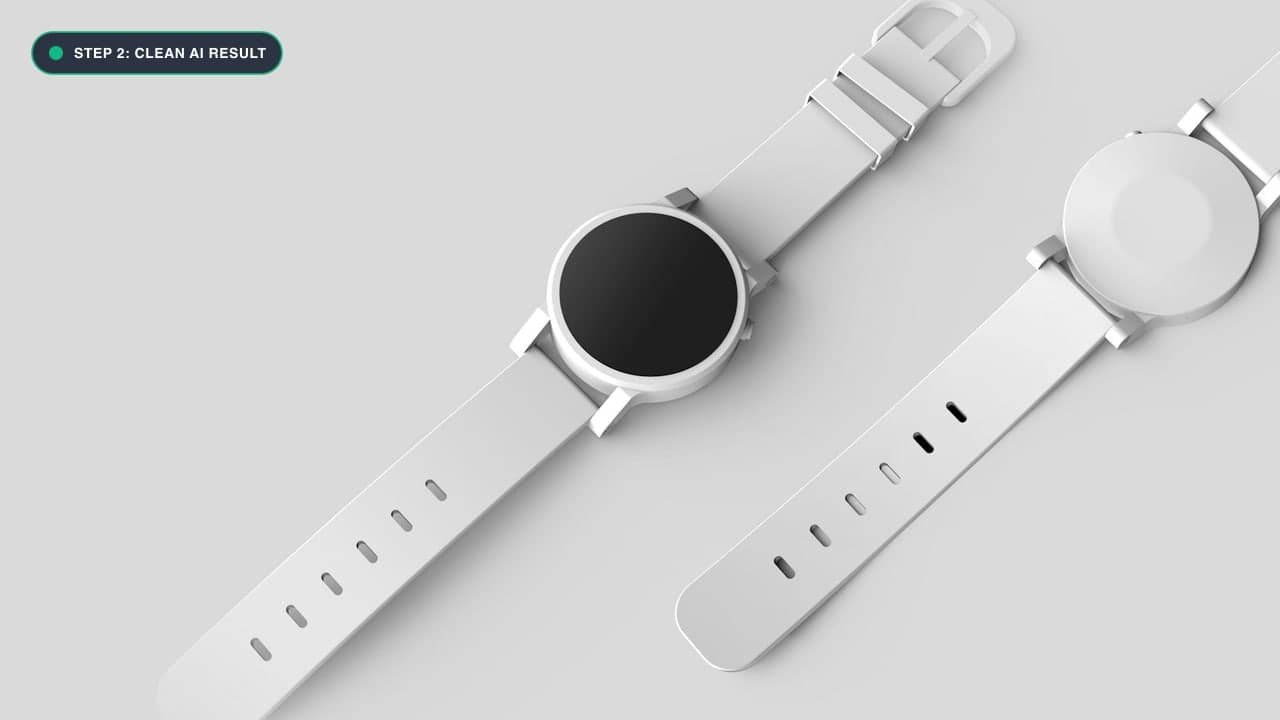
The High Cost of Imperfect Product Photography
In online retail, your product image is your storefront. Studies across Amazon, Flipkart, and Shopify demonstrate that high-resolution, flawless product photographs increase conversion rates by up to 38% and reduce customer return rates significantly.
However, commercial macro photography reveals every microscopic flaw:
- Dust specks and lint fibers on dark fabrics or luxury leather goods.
- Micro-scratches on polished metallic jewelry, watches, or stainless steel appliances.
- Glare and reflections of the studio softbox or photographer in glass bottles and sunglasses.
- Unsightly price stickers, manufacturer barcodes, or support stands holding the product upright.
Hiring a professional retoucher for a 500-SKU catalog can cost thousands of dollars. With our free Photo Cleanup Tool, you can retouch your e-commerce catalog in-house in seconds.
Marketplace Image Standards: Amazon vs. Flipkart vs. Shopify
Understanding the regulatory requirements of e-commerce platforms is essential before submitting your product catalog:
1. Amazon Main Listing Standards
Amazon enforces stringent algorithmic image suppression for non-compliant hero images:
- Background: Must be pure seamless white (RGB 255, 255, 255). No off-white, cream, or light grey casts.
- Banned Elements: Absolutely zero promotional text, seller logos, watermarks, inset images, borders, or support props.
- Product Occupancy: The physical item must occupy at least 85% of the total frame area.
- How ObjectRemover Helps: Erase studio stands, dust flecks, and price stickers cleanly to prevent algorithmic listing suppression.
2. Flipkart Marketplace Guidelines
- Requires clean, high-contrast imagery with no misleading accessories.
- Banned: Stray background equipment, unbranded packaging stickers, and digital timestamps.
3. Shopify & Direct-to-Consumer (D2C) Lifestyle Staging
- Lifestyle images allow artistic backgrounds (marble counters, wooden decks, outdoor settings), but stray reflections and studio light boxes destroy perceived luxury.
- Our Photo Cleanup Tool allows D2C brands to remove cords, dust, and reflections while maintaining the natural ambient lighting of the lifestyle scene.
Step-by-Step E-Commerce Retouching Workflow
Step 1: Open the Product Retouching Workspace
Navigate to our Photo Cleanup Tool on your desktop or laptop browser.
Step 2: Eliminate Dust Particles and Micro-Blemishes
- Zoom in to 200% on the product surface.
- Set a tiny brush (8px to 12px).
- Click directly on dust flecks, stray threads, or scratch marks. The AI will sample the adjacent material texture (whether leather grain, matte plastic, or polished chrome) and blend the defect away invisibly.
Step 3: Remove Support Stands and Clear Acrylic Blocks
When shooting shoes, electronics, or fashion accessories, photographers often use clear acrylic risers or adhesive putty to keep the item angled properly.
- Paint over the visible plastic riser and its ground shadow.
- The AI will synthesize a seamless pure white (RGB 255,255,255) or neutral studio sweep background underneath.
Step 4: Erase Barcodes and Price Tags
If you photographed retail packaging with sticky price labels or warehouse barcodes, paint over the sticker. The AI will reconstruct the original cardboard packaging or plastic wrap texture.
Step 5: Export at Full Resolution
Click Remove Object and download the clean asset ready for immediate upload to Amazon Seller Central, Flipkart Marketplace, or Shopify.
Amazon & Marketplace Compliance Standards
| Marketplace | Primary Image Requirement | How ObjectRemover Helps | | :--- | :--- | :--- | | Amazon | Pure White Background (RGB 255,255,255), no watermarks or text | Erases background stands, dust, and non-compliant badges | | Flipkart | High resolution, no competitor logos or price tags | Cleanly removes pricing stickers and store tags | | Shopify / D2C | Consistent catalog aesthetic, high-end lifestyle staging | Removes studio clutter, wires, and softbox reflections |
ई-कॉमर्स प्रोडक्ट फोटो को कैसे साफ करें - हिंदी गाइड (Bilingual Hindi Section)
ऑनलाइन सेलर्स (Amazon, Flipkart, Meesho) के लिए जरूरी टिप्स:
- Photo Cleanup Tool पर जाएं और अपने प्रोडक्ट की फोटो अपलोड करें।
- धूल, दाग और स्क्रैच हटाएं: फोटो को ज़ूम करें और प्रोडक्ट पर जमी धूल या खरोंच पर छोटा ब्रश चलाएं।
- प्राइस टैग और बारकोड हटाएं: डिब्बे या पैकेट पर लगे पुराने स्टिकर या बारकोड को लाल रंग से मार्क करें।
- Remove Object दबाएं: सिर्फ 2 सेकंड में सभी दाग-धब्बे मिट जाएंगे और प्रोडक्ट एकदम नया और चमकदार दिखेगा।
- HD फोटो डाउनलोड करें: साफ प्रोडक्ट फोटो से आपकी बिक्री और ग्राहकों का भरोसा तुरंत बढ़ेगा।
Frequently Asked Questions (FAQ)
Can I clean up pure white background photos without gray halos?
Yes. Our algorithm recognizes solid color backgrounds and renders mathematically seamless, clean RGB values without discoloration.
Does this help with jewelry and metallic reflection cleanup?
Yes! You can brush over studio light reflections, camera tripod reflections, and minor scratches on gold, silver, and gemstone surfaces.
Is there a tool specifically for watermarks on stock images?
Yes, visit our specialized Watermark Remover for watermarks and logos.
Try It On Your Own Photo Right Now
अपनी फोटो से किसी भी अनचाहे ऑब्जेक्ट को हटाने के लिए नीचे दिया गया टूल आज़माएं:
Drop your photo here or browse
Supports JPG • PNG • WEBP • HEIC (Max 25MB, Native 4K)