
How to Remove Signs, Billboards and Street Plaques From Architectural Photos
फोटो से साइनबोर्ड, होर्डिंग और स्ट्रीट नेमप्लेट कैसे हटाएं
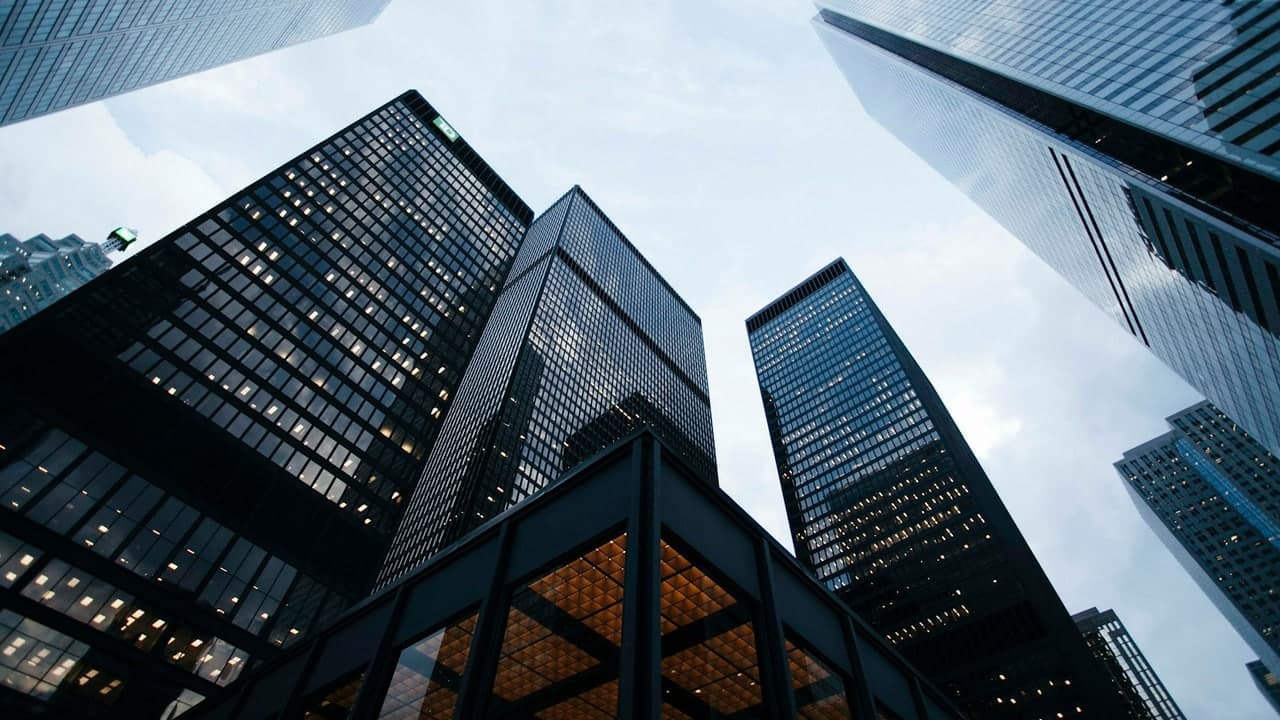
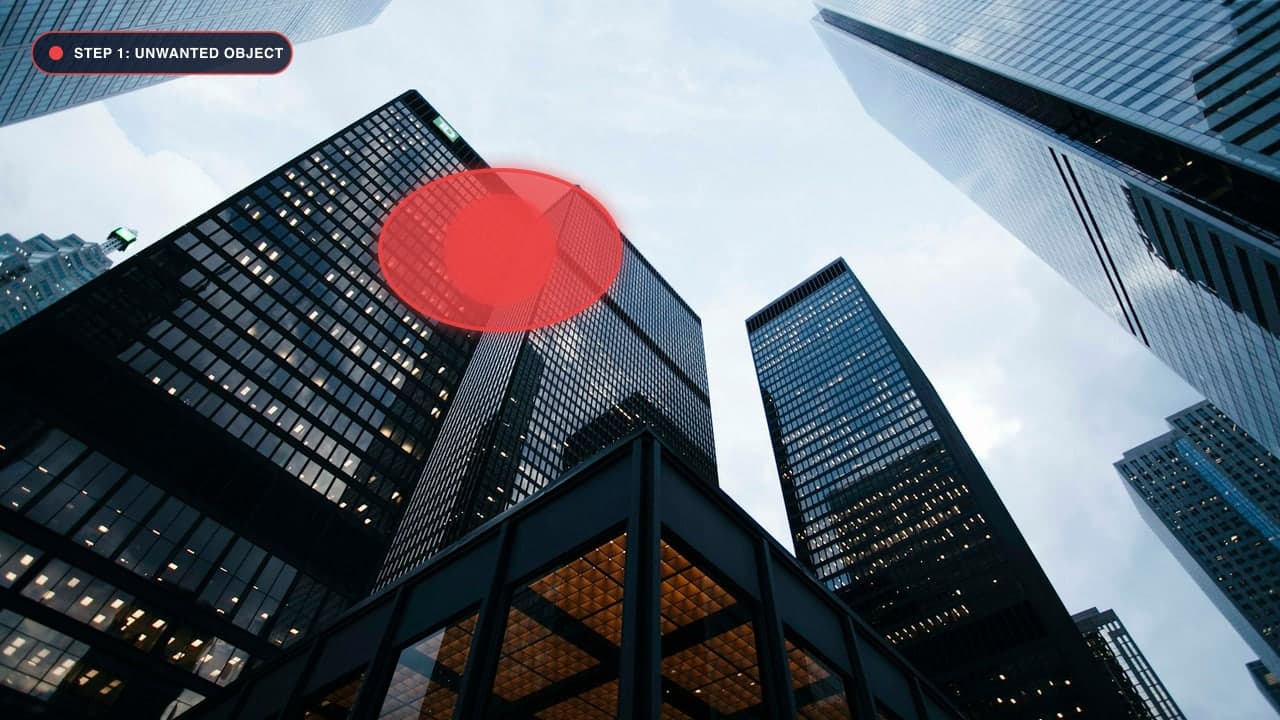
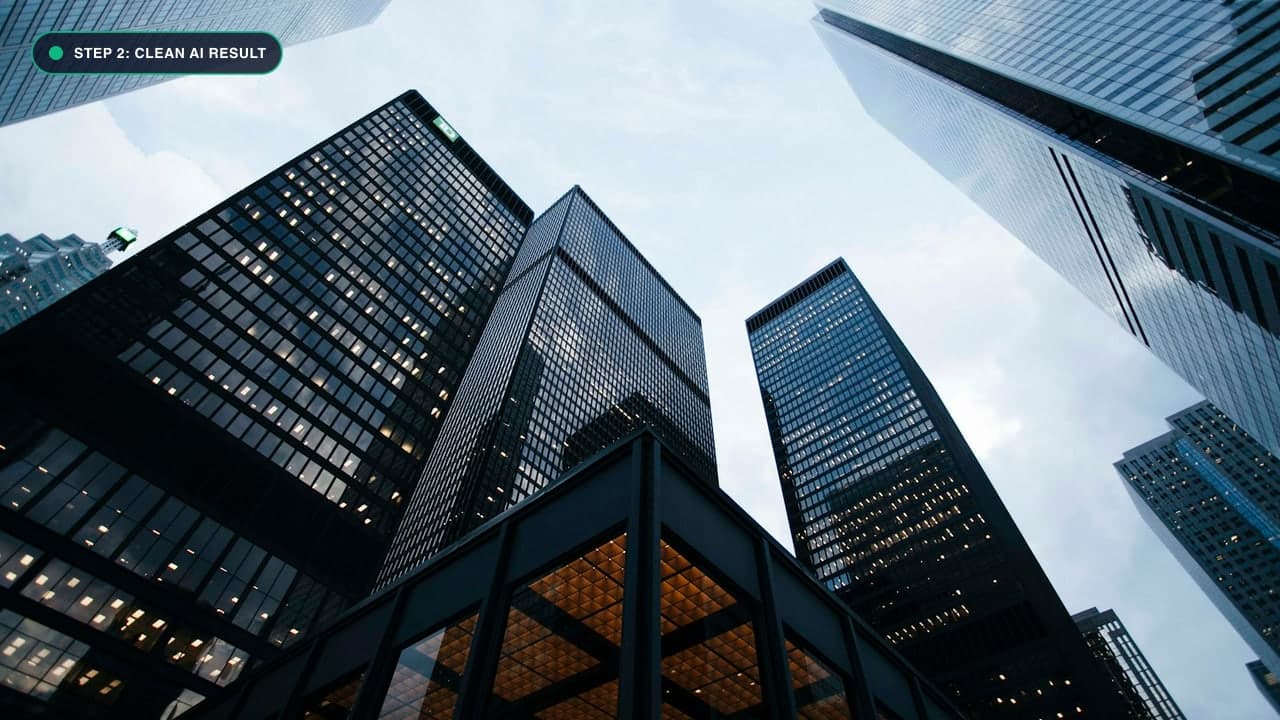
When Modern Signs Ruin Historic Charm
Architectural and urban photography often suffers from an overload of commercial signage. Bright neon signs, illuminated plastic store boards, metal parking regulations, "No Trespassing" placards, and highway billboards constantly intrude into frames.
When capturing a 19th-century cathedral, a rustic cottage, or a sleek minimalist skyscraper, a plastic corporate logo or street sign instantly shatters the aesthetic mood.
Removing signs with traditional tools was notoriously difficult because signs are bolted onto detailed surfaces: brickwork, wooden siding, stone masonry, or textured stucco. If you tried to clone over a sign, you ended up with mismatched brick rows and misaligned mortar joints.
In this guide, we show you how our Magic Eraser Tool uses deep neural networks to reconstruct authentic architectural textures behind any sign.
Architectural Heritage & Visual Preservation
Urban environments are inundated with visual noise. Municipal signs, commercial plastic banners, temporary construction notices, and graffiti constantly deface historic architecture. For fine-art architectural photographers, restoring a building to its pure structural essence is a core aesthetic goal.
The Problem With Flat Walls and Textures
Signs are commonly mounted to structural materials that possess strong directional patterns:
- Exposed Brick Masonry: Requires alternating horizontal mortar lines and vertical staggered joints.
- Corrugated Metal Siding: Requires consistent vertical ridges with highlight and shadow crests.
- Reflective Glass Facades: Requires continuous horizon and sky reflections across adjacent window panes.
By leveraging global receptive field neural networks, our Magic Eraser Tool infers the geometric layout of the facade, synthesizing continuous masonry patterns rather than generic flat gray patches.
Step-by-Step Guide to Sign Removal
Step 1: Upload Your Architectural Photo
Go to the Magic Eraser Studio and upload your photo.
Step 2: Mask the Sign, Mounting Hardware & Cables
When removing a wall-mounted sign, do not just mask the sign face:
- Mask the metal mounting brackets, bolts, and screws drilled into the wall.
- Mask any electrical conduit wires or power cables running down from the sign.
- If the sign casts a shadow beneath it on the wall, paint over that shadow line as well.
Step 3: Aligning With Structural Masonry Patterns
Our neural inpainting engine utilizes Fast Fourier Convolutions (FFC). FFC models analyze periodic patterns across the entire image. When it sees brick rows on the left and right of a sign, it mathematically connects the horizontal mortar lines straight through the masked area, generating matching brick colors and natural surface roughness.
Step 4: Click Remove and Download
Click Remove Object. In 2 seconds, the sign vanishes, leaving behind an authentic, aged architectural facade. Click Download Image to save your picture in original 4K resolution.
Commercial Signage and Stock Photography Compliance
For stock photographers submitting images to Shutterstock, Getty Images, or Adobe Stock, commercial signs and corporate logos are the leading cause of image rejection under the 'Intellectual Property / Trademark Infringement' policy:
- Recognizable Brand Logos: A neon logo of a fast-food chain or a bank sign in the background of a bustling city scene will immediately trigger automated rejection by stock agency algorithms.
- License Plate Numbers & Phone Numbers: Municipal regulations in the EU (GDPR) and North America require the obscuring of private contact numbers and vehicular license plates on commercial photography.
- Billboard Advertisements: Massive roadside promotional billboards feature copyrighted artwork that cannot be commercially distributed without a property release from the advertising agency.
Using our Magic Eraser Tool, stock contributors can erase trademarks and commercial signage in seconds, transforming rejected captures into approved, commercially viable assets.
फोटो से साइनबोर्ड और होर्डिंग कैसे हटाएं - हिंदी गाइड (Bilingual Hindi Section)
किसी भी दीवार या इमारत से साइनबोर्ड हटाने का तरीका:
- Magic Eraser Tool खोलें और फोटो अपलोड करें।
- साइनबोर्ड और उसके खंभे को मार्क करें: साइनबोर्ड, उसके लोहे के ब्रैकेट और बिजली के तारों पर लाल रंग का ब्रश फेरें।
- दीवार पर पड़ी परछाई भी हटाएं: साइनबोर्ड के नीचे जो परछाई है, उसे भी कवर करें।
- Remove दबाएं: एआई साइनबोर्ड को हटाकर पीछे की ईंटों, प्लास्टर या लकड़ी की बनावट को एकदम प्राकृतिक रूप से जोड़ देगा।
- HD फोटो सेव करें: आपकी ऐतिहासिक या आर्किटेक्चरल फोटो पूरी तरह साफ हो जाएगी।
Frequently Asked Questions (FAQ)
Can I remove neon signs that emit colored light on the wall?
Yes! Mask both the neon tube and the intense colored glow on the surrounding wall so the AI can restore the natural wall color.
Does this work on highway billboards in landscape shots?
Yes, you can remove massive roadside billboards and their steel support pillars cleanly.
Where can I remove people standing under the signs?
Check out our dedicated Remove People Tool.
Try It On Your Own Photo Right Now
अपनी फोटो से किसी भी अनचाहे ऑब्जेक्ट को हटाने के लिए नीचे दिया गया टूल आज़माएं:
Drop your photo here or browse
Supports JPG • PNG • WEBP • HEIC (Max 25MB, Native 4K)