
How to Remove Cars and Parked Vehicles From Landscape & Street Photos
सड़क और लैंडस्केप फोटो से गाड़ियां और वाहन कैसे हटाएं
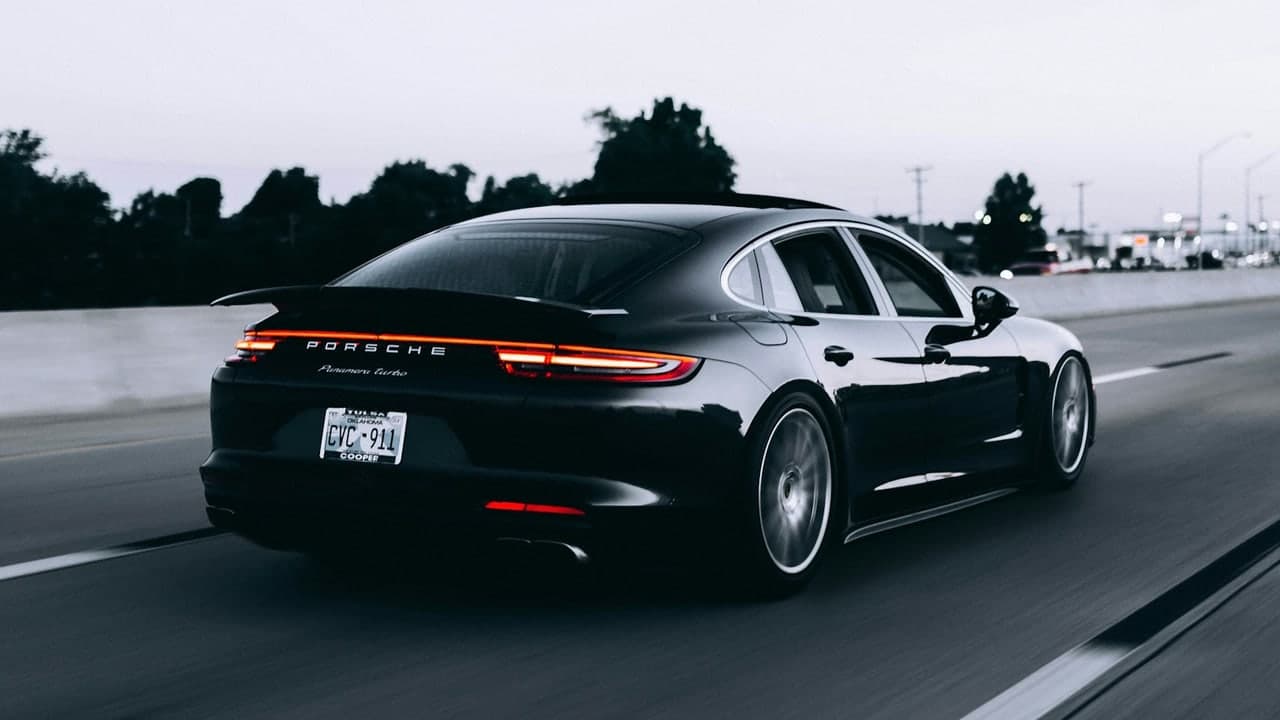
Parked Vehicles: The Ultimate Street Photography Blight
Nothing disrupts a timeless photograph of a historic building, scenic mountain pass, or peaceful neighborhood street quite like a brightly colored parked automobile or a commercial delivery van. Whether you are an architectural photographer aiming for clean structural lines or a tourist wanting an unobstructed view of a quaint European alleyway, parked vehicles frequently block the best angles.
Erasing a motor vehicle is one of the most demanding tasks in computational photography because cars occupy large pixel volumes and leave complex physical signatures:
- Asphalt & Pavement Textures: Roads have distinct textures, painted lane lines, and oil stains.
- Curb & Sidewalk Lines: Perspective lines must continue unbroken across the excised area.
- Contact Shadows: Vehicles cast deep ambient occlusion shadows directly beneath their chassis and tires.
In this tutorial, you will learn how to remove cars and vehicles cleanly using our Magic Eraser Tool.
The 4-Step Vehicle Inpainting Protocol
Step 1: Upload Your Urban or Landscape Photo
Open the Magic Eraser Tool. Upload your high-resolution street or landscape photo.
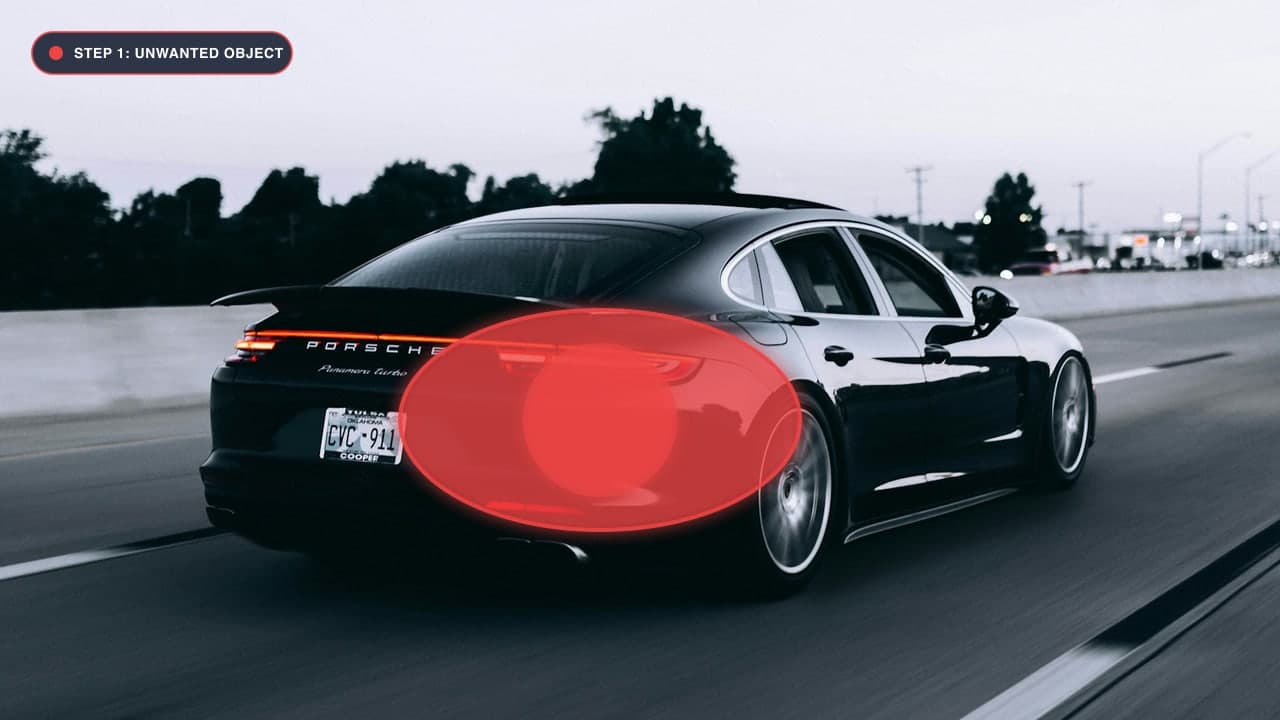
Step 2: Adjust Brush to Cover the Entire Vehicle Chassis
Select a medium-to-large brush (40px to 60px). Begin by painting over the roof, windows, doors, and hood of the vehicle in solid, continuous strokes.
Step 3: Critical: Paint Under the Tires and Include the Cast Shadow
The biggest rookie mistake is only painting over the metal bodywork. Cars cast heavy, dark shadows on the asphalt beneath the bumper and around each tire:
- Paint completely over the dark shadow under the vehicle.
- If the car is parked next to a curb, make sure your red mask extends slightly past the curb edge. The AI will identify the linear angle of the sidewalk and reconstruct the curb line with perfect mathematical perspective.
Step 4: Click Remove and Inspect the Perspective
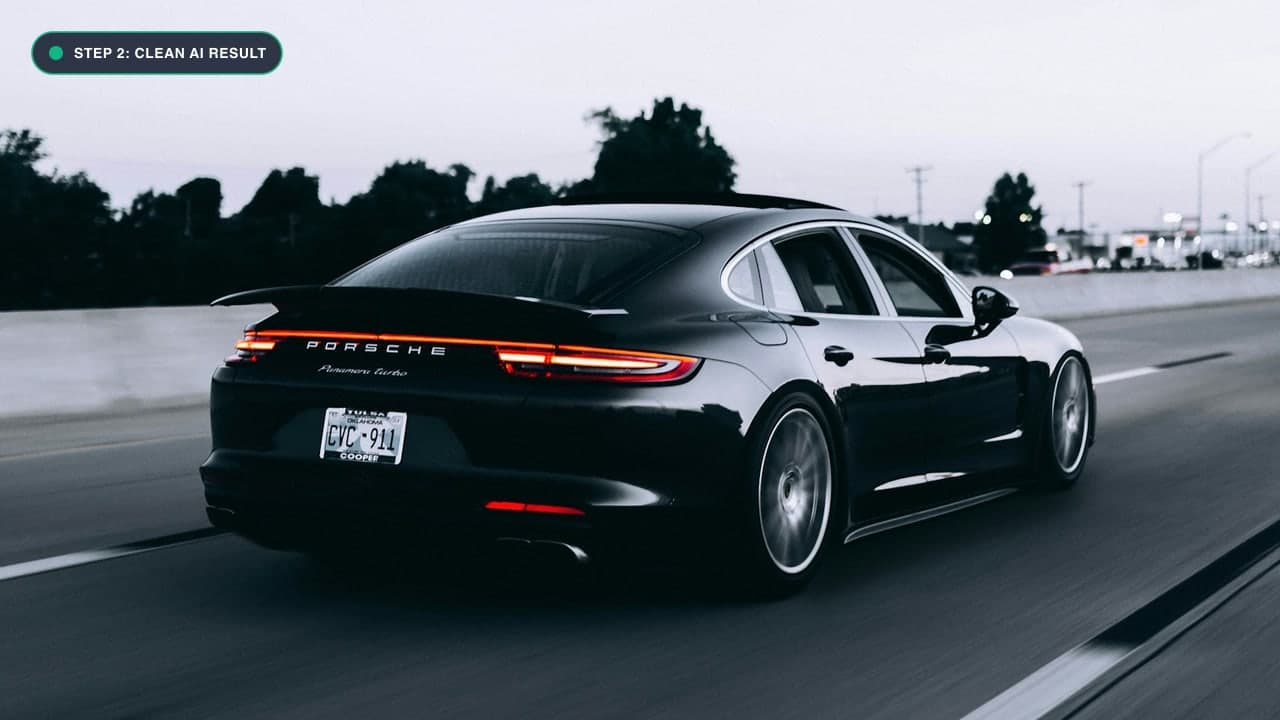
Click Remove Object. The deep learning model evaluates the architectural lines, cobblestones, asphalt grain, and background storefronts, rendering a clean, vehicle-free street. If a small section of painted road line needs straightening, apply a quick fine brush pass over that section and re-run. Click Download Image to export.
Asphalt, Cobblestones and Sidewalk Texture Synthesis
When a vehicle is parked on a road, it obscures anywhere from 50,000 to 500,000 pixels of ground surface. Reconstructing this surface realistically requires an inpainting model that understands material physics:
1. Reconstructing Asphalt Aggregate Grain
Asphalt is not a flat gray color; it consists of crushed stone aggregate, tar binder, fine cracks, and natural weathering variations. Traditional clone stamping produces repetitive 'smudge blobs' on asphalt. Our deep learning engine generates authentic, random surface noise that matches the exact sensor grain and road wear of the original shot.
2. Preserving Cobblestone Grid Alignments
Historic European streets and old town squares feature cobblestones arranged in concentric arcs or straight linear grids. Thanks to Fast Fourier Convolutions, our model detects the periodic frequency of the stone rows on either side of the car, projecting the stone lines through the masked void with geometric continuity.
3. Maintaining Vanishing Point Perspective
Roads converge toward a vanishing point on the horizon. When removing a car parked along the side of a street, curb lines and painted white or yellow shoulder stripes must angle inward accurately. Our AI preserves linear vanishing points so the road appears completely flat and mathematically sound.
Handling Complex Vehicle Scenarios
1. Cars Parked in Front of Intricate Storefronts
If the vehicle was parked in front of a shop with glass windows and brick walls, mask the car in two stages:
- First pass: Remove the upper half (roof and windows) to let the AI build the storefront facade.
- Second pass: Remove the lower chassis and wheels to synthesize the sidewalk and curb.
2. Moving Traffic with Motion Blur
If cars have motion blur streaks due to a slow shutter speed, expand your mask to include the entire motion trail so no ghostly color streaks remain.
फोटो से गाड़ियां और वाहन कैसे हटाएं - हिंदी गाइड (Bilingual Hindi Section)
सड़क या घर के सामने खड़ी कार हटाने का तरीका:
- Magic Eraser Tool पर जाएं और अपनी फोटो अपलोड करें।
- गाड़ी को पूरा कवर करें: ब्रश का साइज बड़ा रखें और गाड़ी की छत, खिड़कियां और पहियों पर लाल रंग से मार्क करें।
- पहियों के नीचे की परछाई जरूर हटाएं: कार के नीचे सड़क पर जो गहरी परछाई होती है, उस पर भी ब्रश अवश्य लगाएं ताकि सड़क एकदम असली दिखे।
- Remove Object दबाएं: सिर्फ दो सेकंड में कार गायब हो जाएगी और उसकी जगह साफ सड़क या फुटपाथ दिखाई देगा।
- HD फोटो डाउनलोड करें: आपकी ऐतिहासिक या लैंडस्केप तस्वीर एकदम साफ तैयार है।
Frequently Asked Questions (FAQ)
Will the pavement and road lines look straight after removing a car?
Yes! Our neural network uses Fast Fourier Convolutions, which preserve global linear geometry, ensuring road stripes, curbs, and building lines remain straight and aligned.
Can I remove trucks, buses, and motorcycles too?
Absolutely. The tool works equally well on delivery vans, scooters, bicycles, and large commercial vehicles.
Can I use this for real estate photos?
Yes! For property listings, check out our Real Estate Photo Cleanup Guide and Photo Cleanup Tool.
Try It On Your Own Photo Right Now
अपनी फोटो से किसी भी अनचाहे ऑब्जेक्ट को हटाने के लिए नीचे दिया गया टूल आज़माएं:
Drop your photo here or browse
Supports JPG • PNG • WEBP • HEIC (Max 25MB, Native 4K)