
How to Clean Up a Cluttered Photo: Minimalist Photography Editing Guide
अव्यवस्थित और बिखरी हुई फोटो को कैसे साफ और मिनिमलिस्ट बनाएं
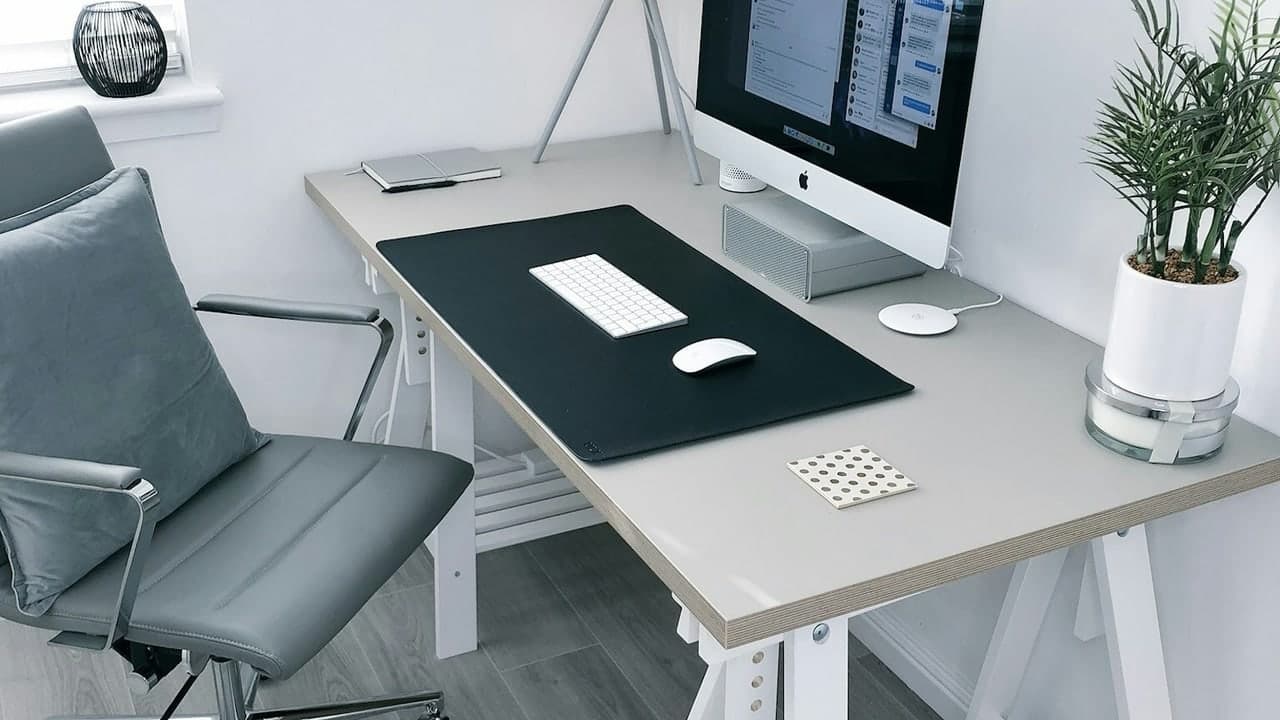
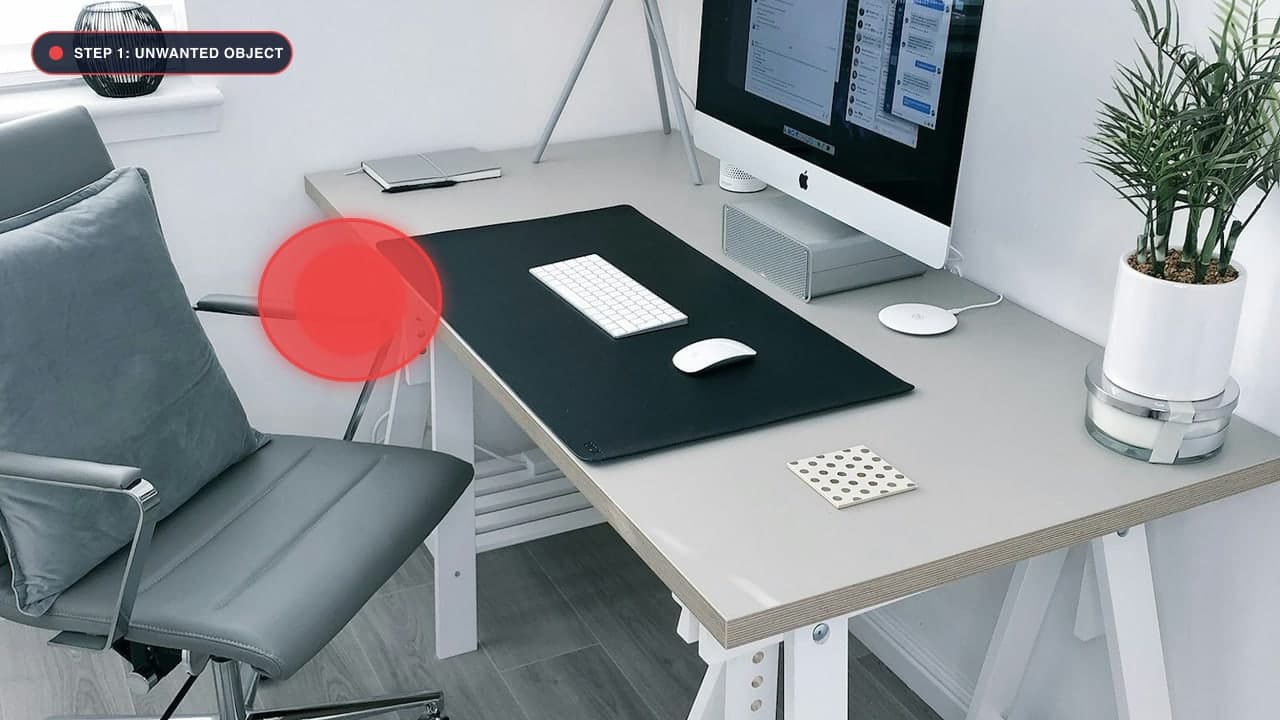
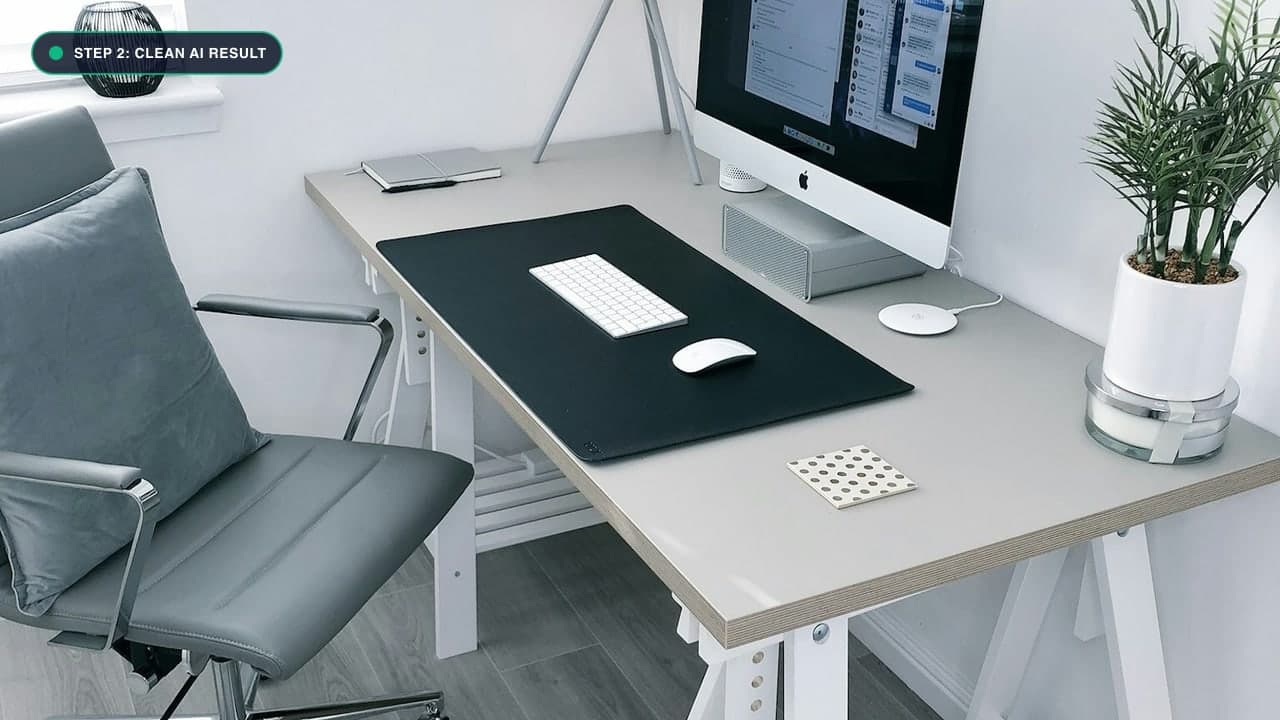
The Psychology of Visual Clutter in Photography
Great photography is just as much about what you exclude from the frame as what you include. In visual psychology, the human eye is naturally drawn to high-contrast edges, irregular shapes, and bright colors. When a photo contains background clutter—plastic water bottles on a table, tangled electronic cords on a floor, trash bins on a sidewalk, or stray receipts on a desk—the viewer's focus is pulled away from the true subject.
Minimalist photography emphasizes clean lines, calm negative space, and uninterrupted surfaces. Achieving this aesthetic during a live photoshoot is often impossible in real-world environments.
With our free Photo Cleanup Tool, you can declutter any scene post-capture, turning chaotic snapshots into serene, magazine-worthy compositions.
The 3-Zone Decluttering Strategy
To declutter a photo without over-editing, organize your cleanup into three zones:
Zone 1: Peripheral Edge Clutter (Highest Impact)
Look closely along the four outer borders of your frame. Cut-off objects (half a trash can, the arm of a chair, or the tip of a tree branch peeking into the edge) create visual tension:
- Mask and remove these edge intruders first. This immediately frames your subject with clean negative space.
Zone 2: Ground and Floor Debris
Crumpled napkins, fallen leaves, electrical cords, cigarette butts, and plastic wrappers destroy the elegance of floors:
- Use a medium brush to remove floor clutter in quick, decisive strokes.
- The AI will synthesize smooth hardwood flooring, polished concrete, or carpet pile underneath.
Zone 3: Background Structural Distractions
Wall-mounted air conditioner units, fire exit signs, light switches, and wall scuff marks often distract from interior portraits or architectural shots:
- Trace over wall fixtures to create uninterrupted, solid-color architectural backdrops.
Visual Hierarchy in Social Media & Flat-Lay Photography
In the era of Instagram, Pinterest, and TikTok, lifestyle creators rely heavily on 'flat-lay' and desk setup photography. Whether you are photographing a morning espresso, a curated tech workstation, or a flat-lay of beauty products, clutter drastically degrades the engagement rate of your posts:
- The 3-Second Scroll Rule: Social media users decide whether to pause on a photo within 300 milliseconds. If the background is noisy with plastic wrappers, tangled charger cables, or crumpled receipts, the brain perceives cognitive fatigue and scrolls past.
- Negative Space as a Luxury Cue: High-end luxury magazines (Architectural Digest, Vogue, Kinfolk) use vast expanses of clean, uninterrupted negative space. By eliminating everyday junk from floors and countertops with our Photo Cleanup Tool, your photos immediately evoke an expensive, calm, and curated aesthetic.
- Preserving Authentic Surface Textures: Unlike basic blur filters that turn wooden tables into plastic-looking slabs, our inpainting model preserves authentic wood grain, marble veining, and linen fabric weaves beneath erased items.
Step-by-Step Decluttering Instructions
- Upload: Drag your image into our Photo Cleanup Tool.
- Prioritize Your Focal Point: Identify your hero subject (a coffee cup, a model, a laptop, or a plant). Everything that does not support this focal point is a candidate for removal.
- Paint Over Clutter in Batches: Rather than covering twenty items all at once, erase items in logical clusters (e.g., table items first, floor items second).
- Apply and Refine: Click Remove Object. Evaluate the synthesized textures.
- Download: Export your high-resolution, magazine-clean photograph.
फोटो को साफ और मिनिमलिस्ट कैसे बनाएं - हिंदी गाइड (Bilingual Hindi Section)
बिखरी हुई फोटो को सुंदर बनाने की आसान विधि:
- Photo Cleanup Tool खोलें और अपनी फोटो अपलोड करें।
- किनारों से फालतू चीजें हटाएं: फोटो के कोनों में दिखने वाले कटे हुए सामान, कुर्सी या कचरे के डिब्बे को मार्क करें।
- फर्श और मेज की गंदगी साफ करें: मेज पर पड़ी पानी की बोतलें, तार, बिल और दाग-धब्बों पर लाल ब्रश लगाएं।
- Remove दबाएं: एआई तुरंत उन फालतू चीजों को हटाकर मेज या फर्श की लकड़ी और टाइल्स को एकदम नया जैसा बना देगा।
- HD फोटो सेव करें: आपकी साधारण फोटो अब एक प्रीमियम और आकर्षक तस्वीर बन जाएगी।
Frequently Asked Questions (FAQ)
Can I clean up food photography and restaurant tables?
Yes! Removing used forks, stained napkins, and stray crumbs makes food photos look dramatically more appetizing.
Will the wood grain or tile grout look natural?
Yes, our deep learning model understands repetitive linear patterns like tile grout, hardwood floor planks, and marble veining, ensuring patterns align seamlessly.
Where can I remove text or stamps?
For letters, dates, and captions, check out our Remove Text Tool.
Try It On Your Own Photo Right Now
अपनी फोटो से किसी भी अनचाहे ऑब्जेक्ट को हटाने के लिए नीचे दिया गया टूल आज़माएं:
Drop your photo here or browse
Supports JPG • PNG • WEBP • HEIC (Max 25MB, Native 4K)